Sometimes I'm nowhere near my laptop when I need it. I'll be in bed wondering whether a build finished, waiting on a Slack reply, or trying to find a file someone has just asked me for.
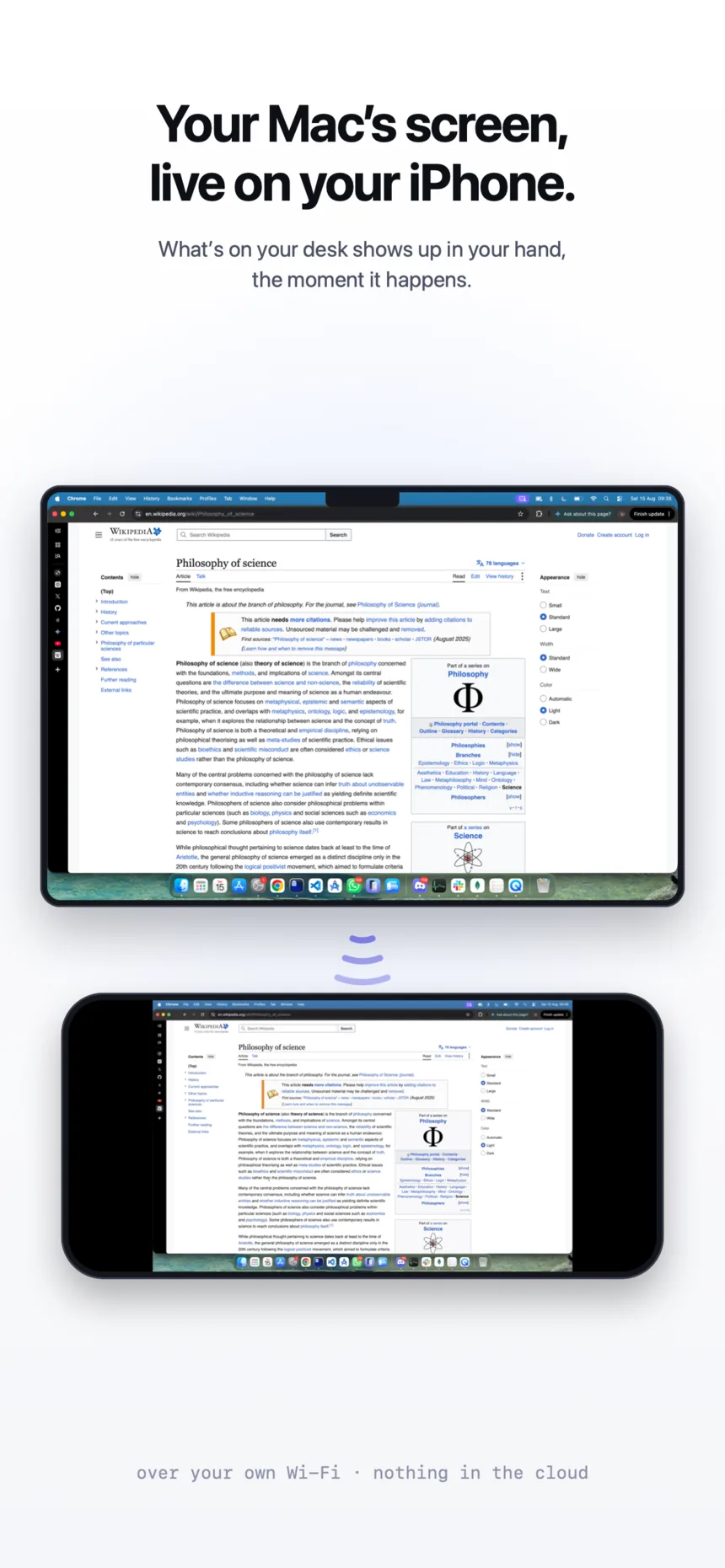
Sometimes getting up might be a bit of a struggle 😅. So I built Mirror. It puts the Mac's screen on my phone over Wi-Fi and lets me use it from wherever I am in the house.
Using a Mac with your thumb
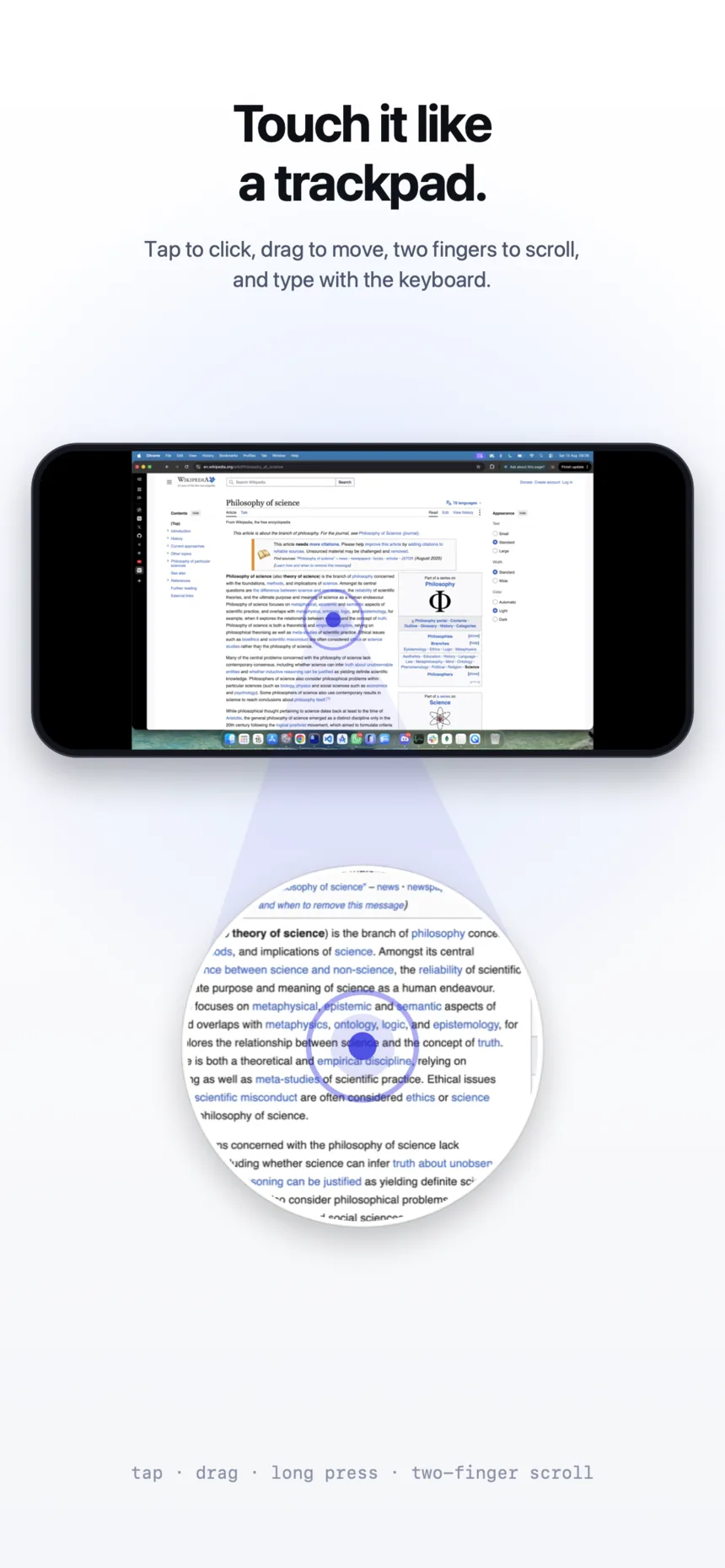
The phone behaves like a trackpad. Slide anywhere to move the pointer, tap to click, two fingers to scroll, three to switch desktops. Move slowly and it is precise, move quickly and you cross the whole screen.
Finding things
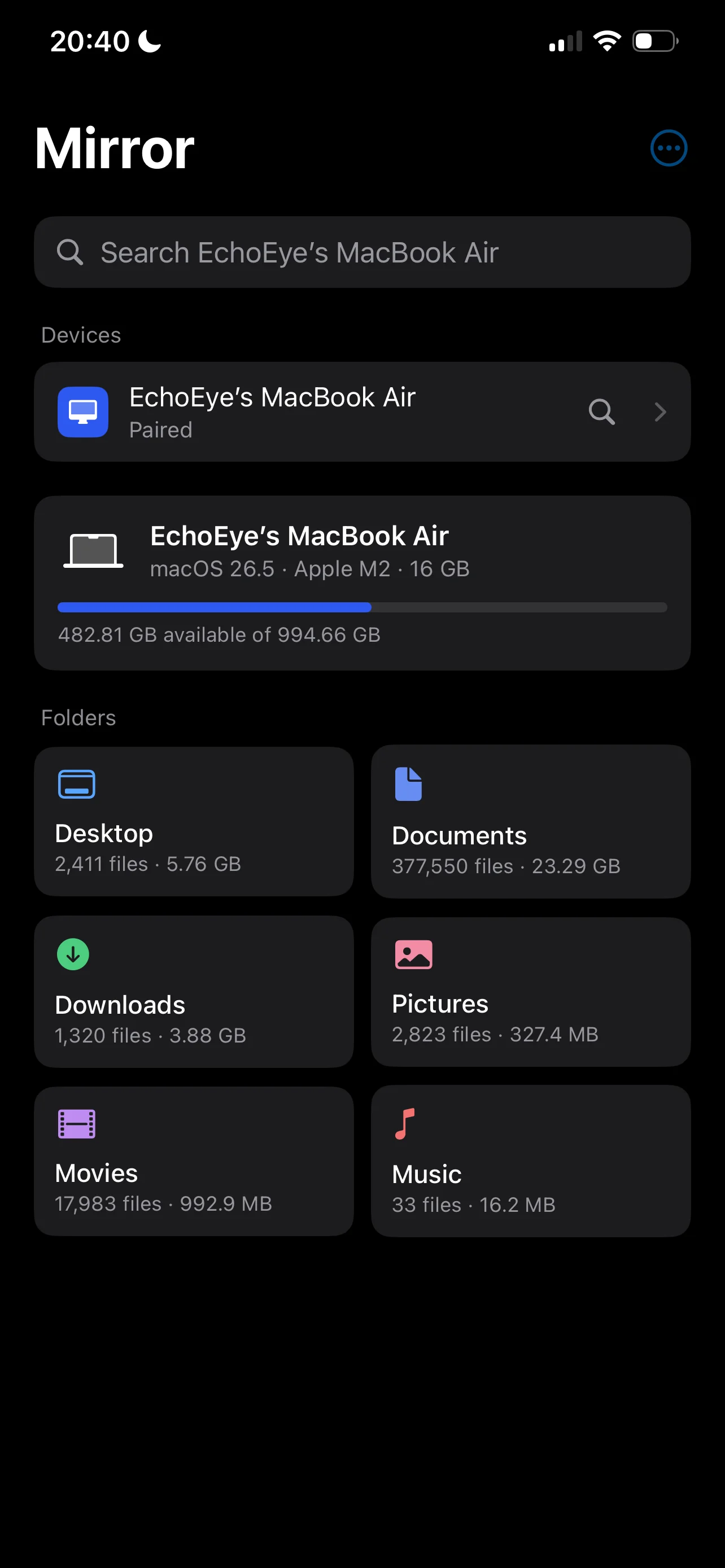
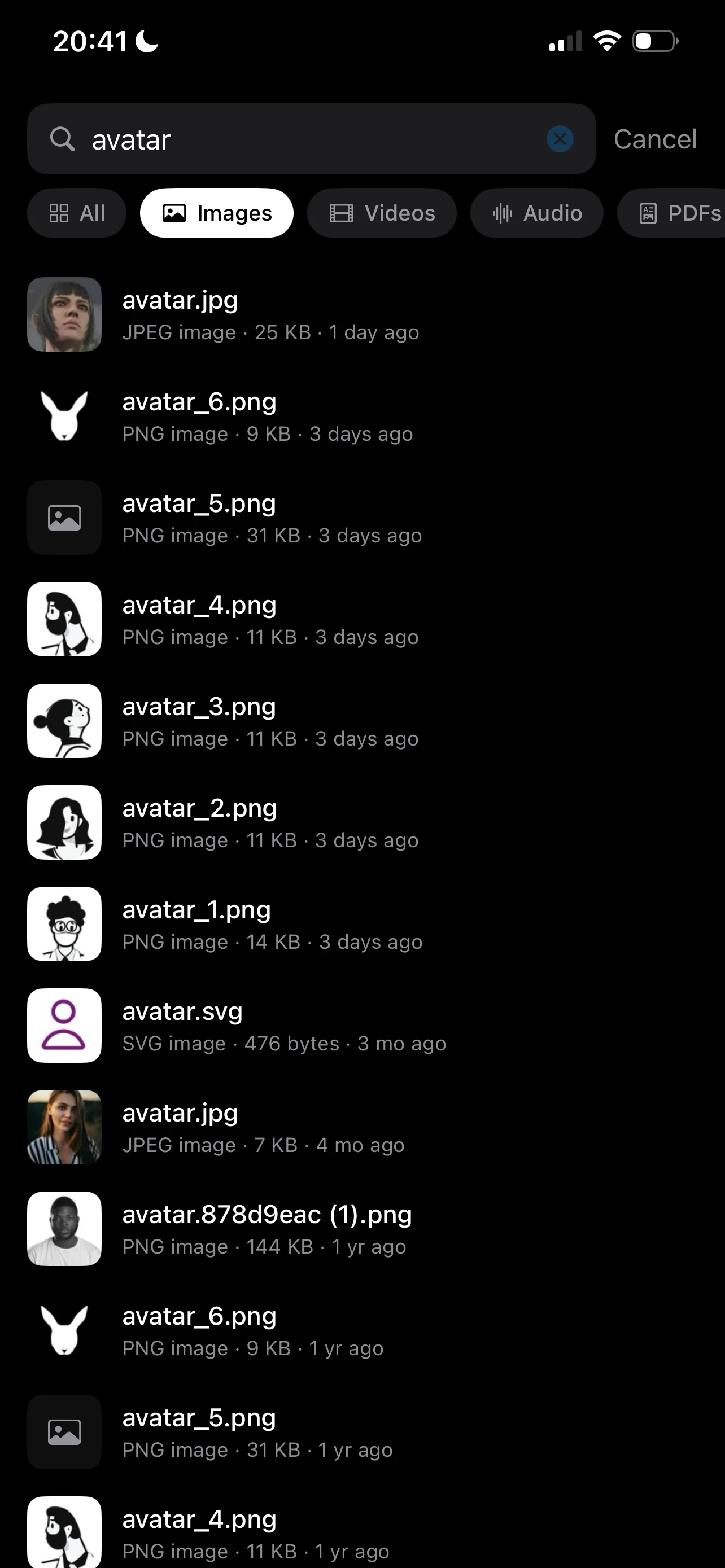
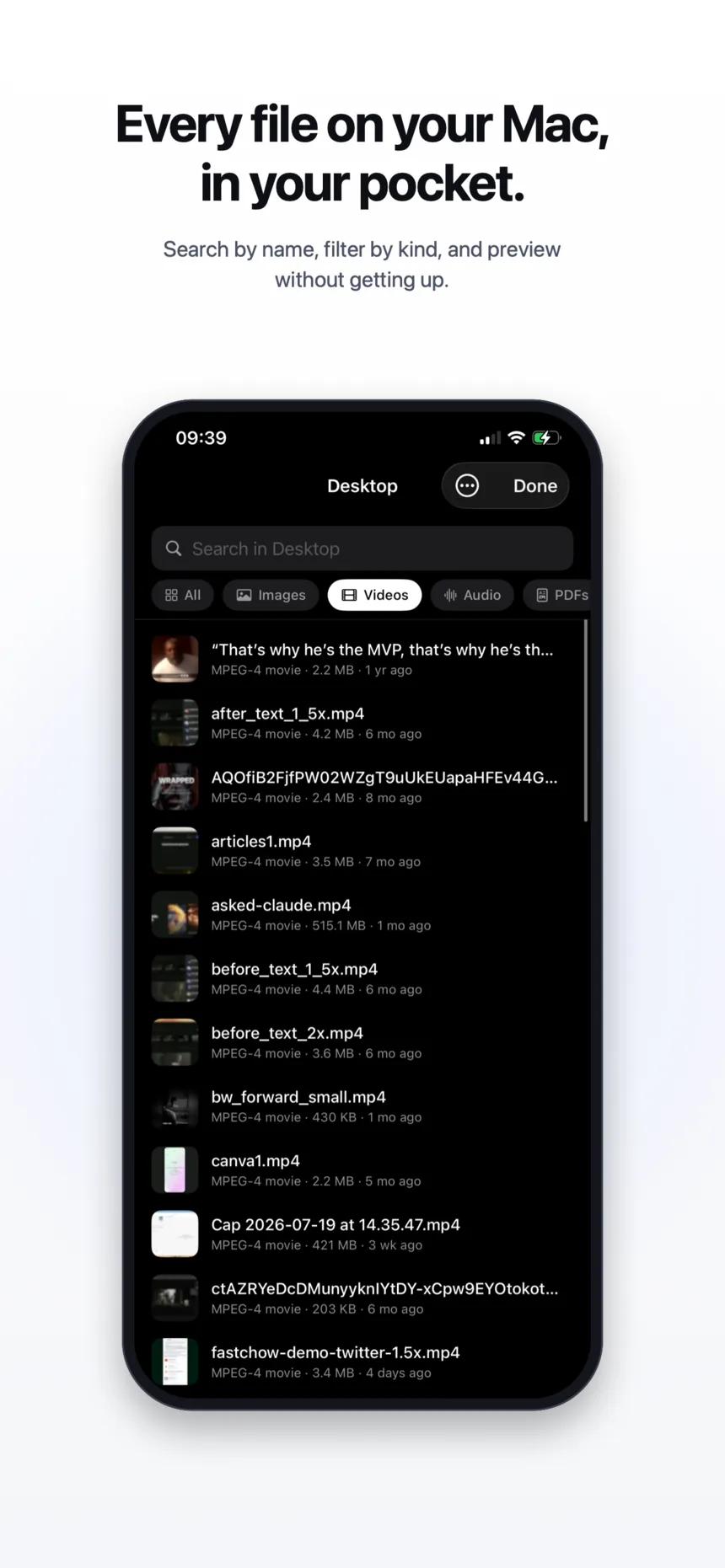
Half of why I wanted this was files, so search has its own screen. You type, results come in as you go, and folders open like folders. Photos, videos, PDFs and code all open on the phone, and anything you find can be saved to it, shared, or opened back on the Mac.
Staying on the Wi-Fi
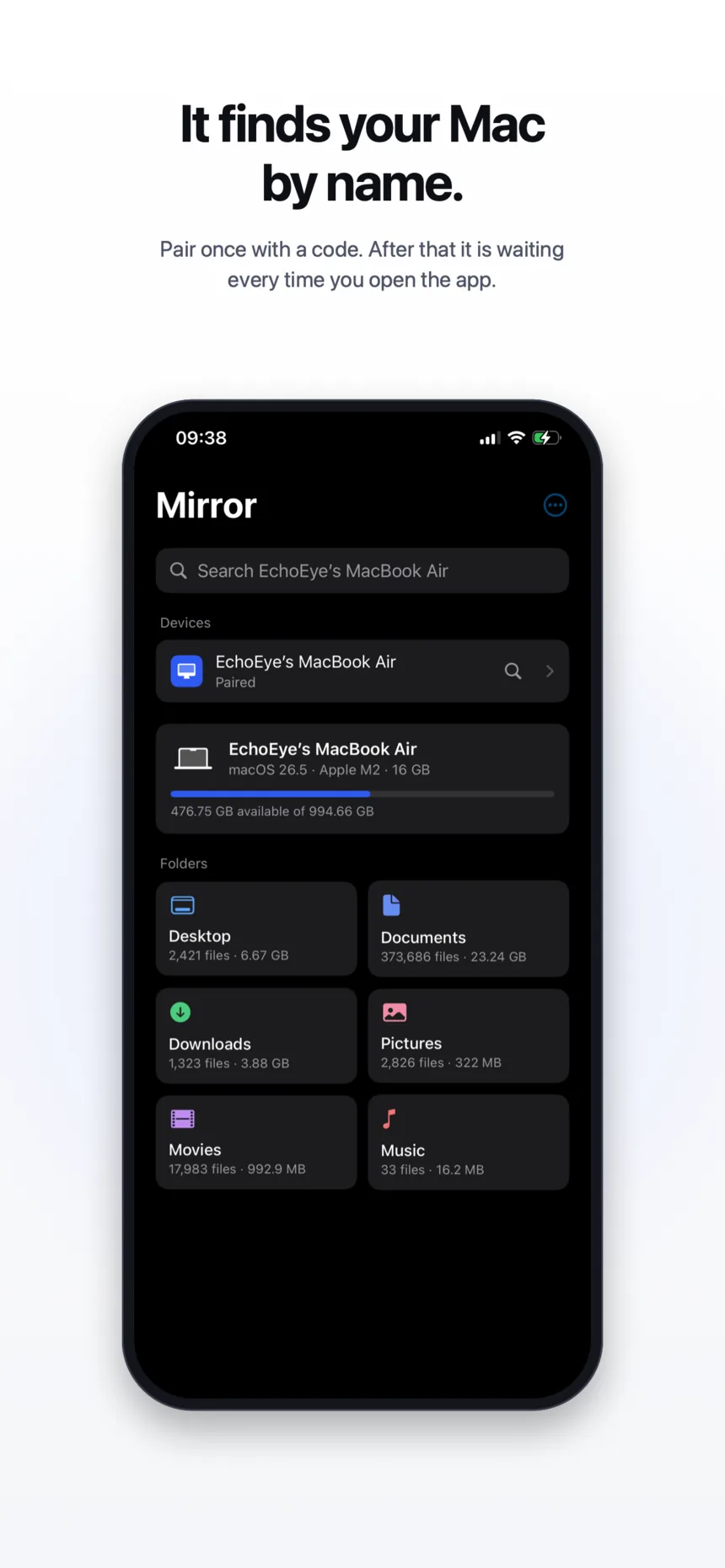
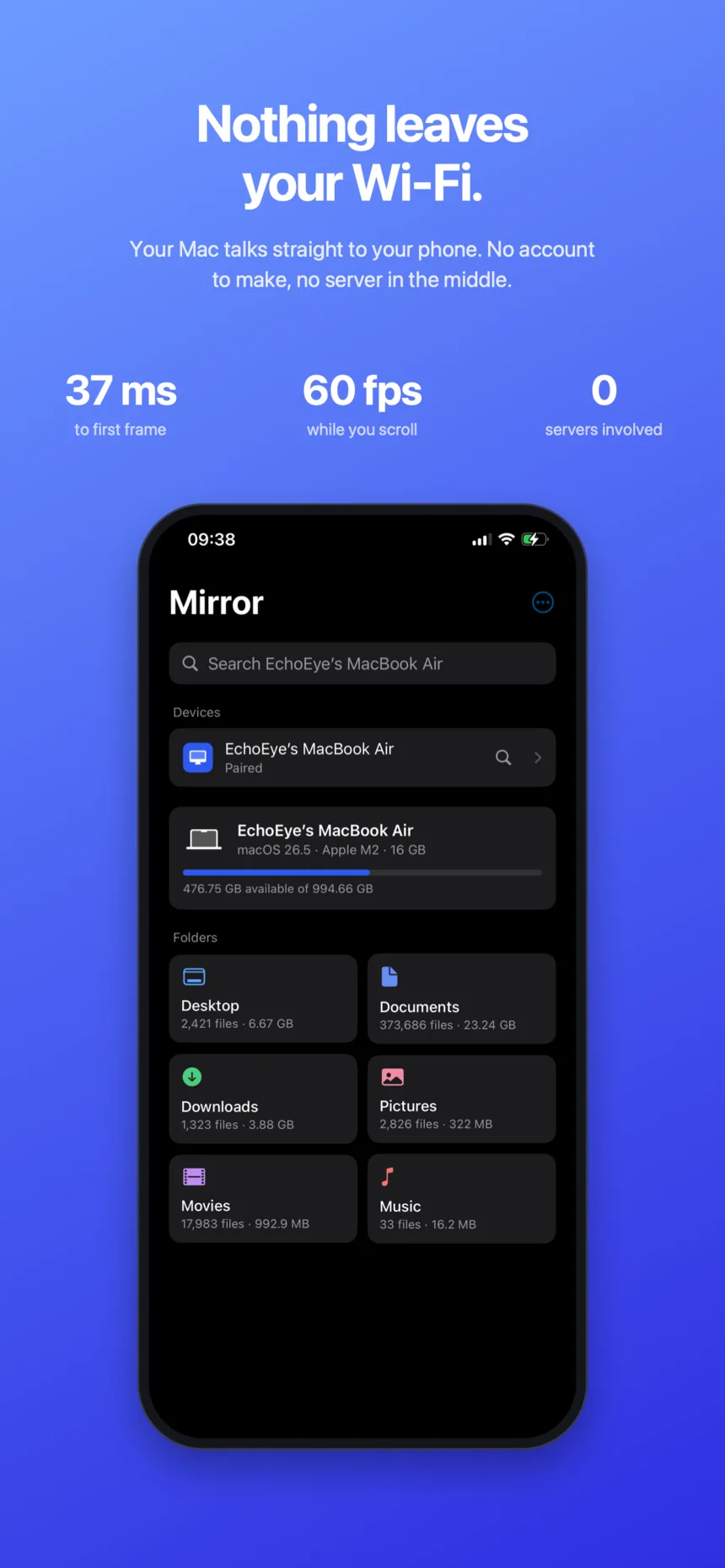
Everything happens between the two devices. The Mac shows a code, you type it on the phone once, and the two remember each other after that. There is no account, and the screen never goes through a server.
- Swift, SwiftUI
- The menu bar app on the Mac, the app on the phone
- ScreenCaptureKit
- Reading the screen, and the sound with it
- VideoToolbox
- Encoding on the Mac, decoding on the phone
Other things I've built
Reclaim
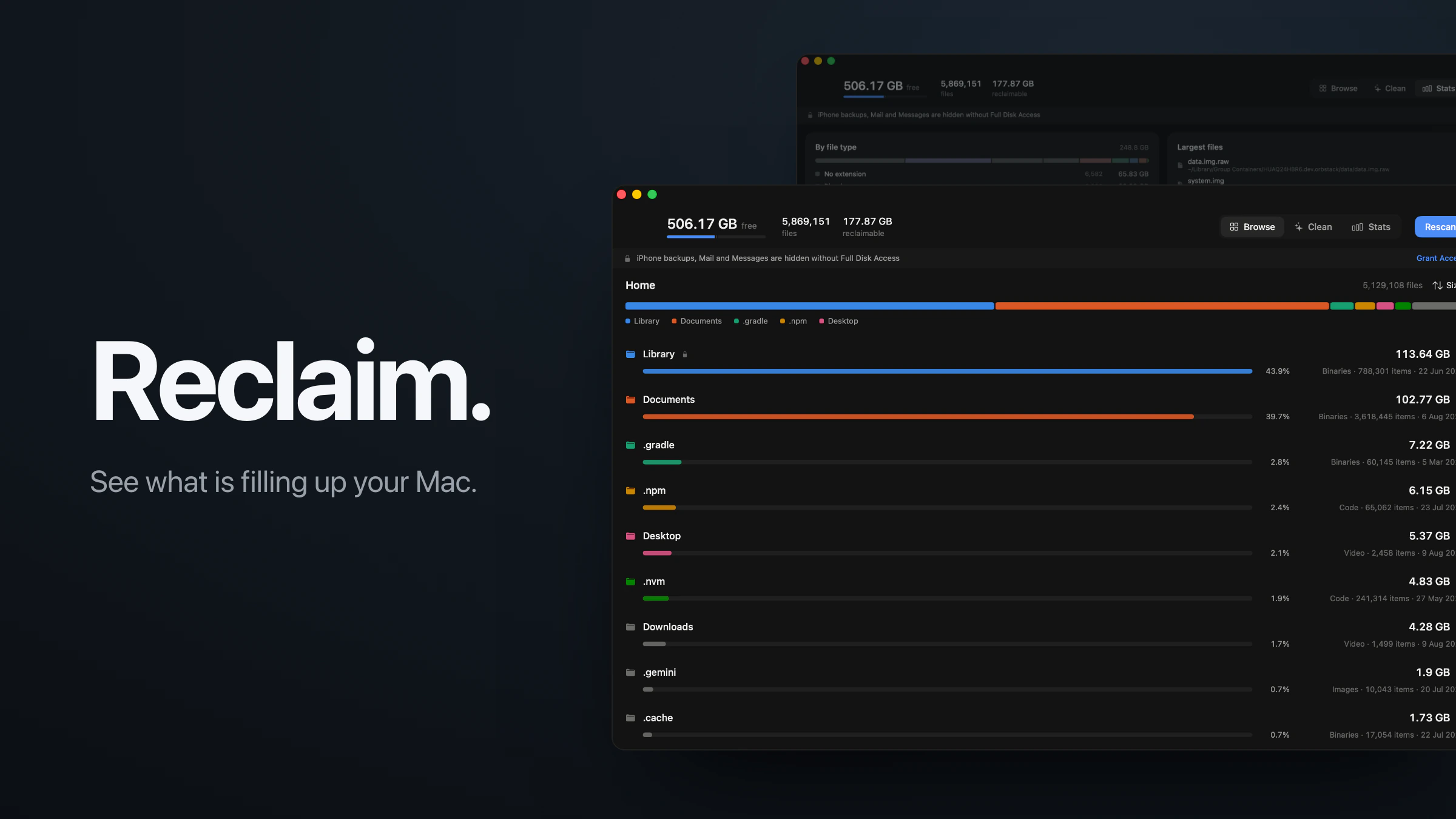
A disk space app for macOS. It reads five million files in about thirty seconds and only offers to remove what comes back on its own.

Picashot
A home for in-game photography. The app, the website, the API and Studio, running since 2021 with over 200,000 photos.
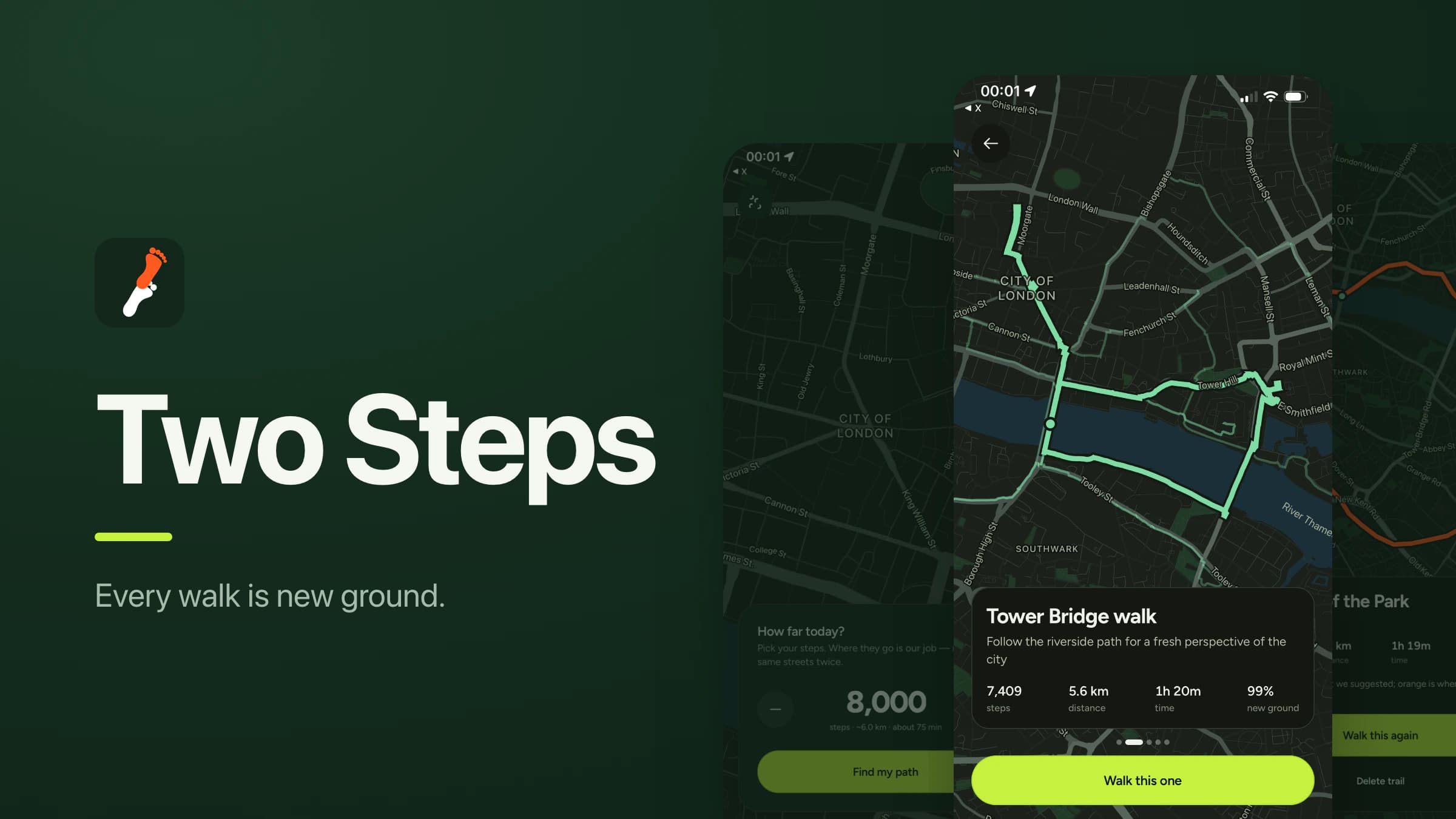
Two Steps
Tell it how many steps you want and it plans a loop back to your door out of streets you have not walked yet.
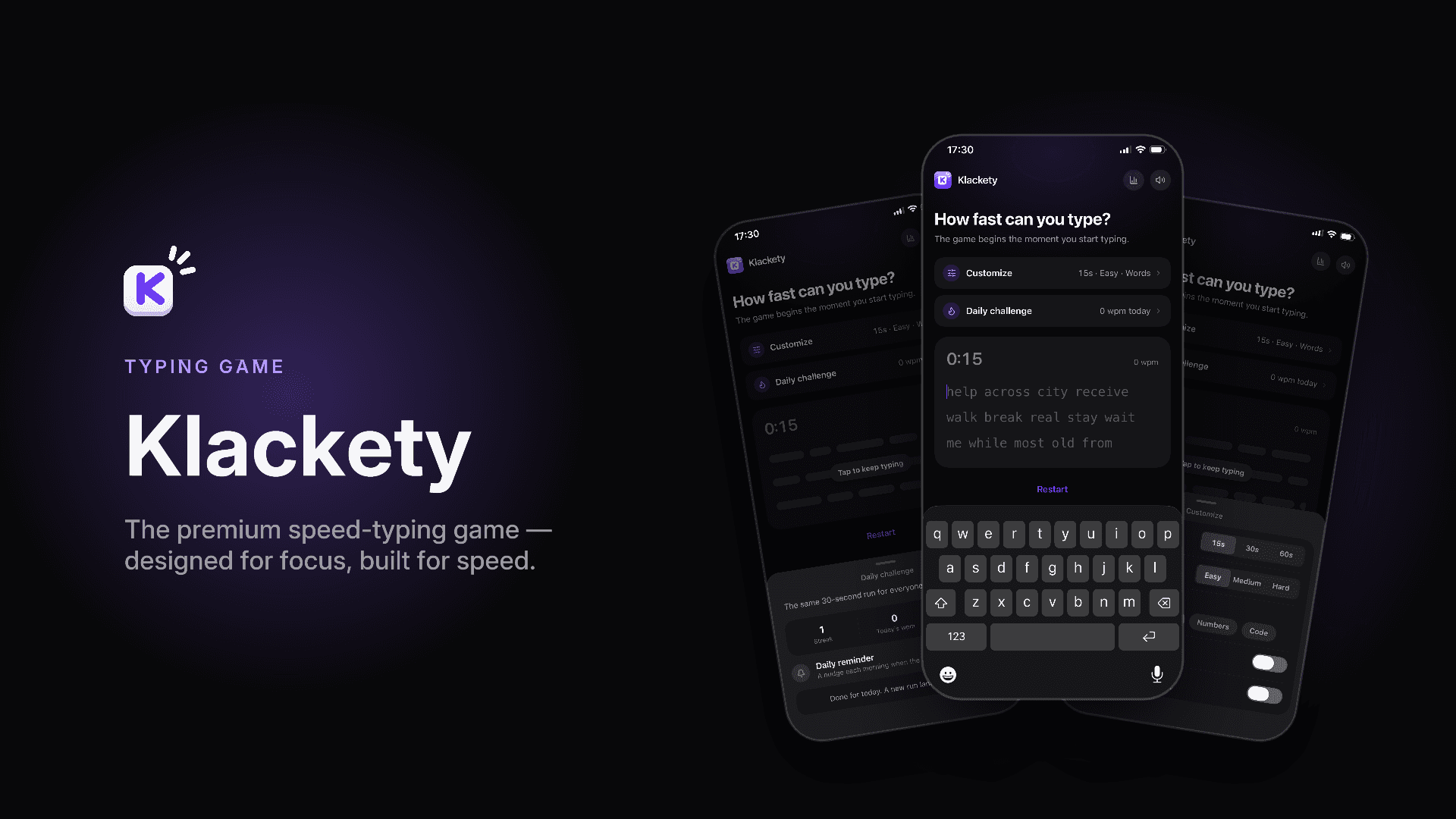
Klackety
A speed-typing game for iOS and Android that sounds and feels like a mechanical keyboard. Three sound packs, haptics, 60fps.