Oluwafemi Obajuluwa › Picashot
Picashot
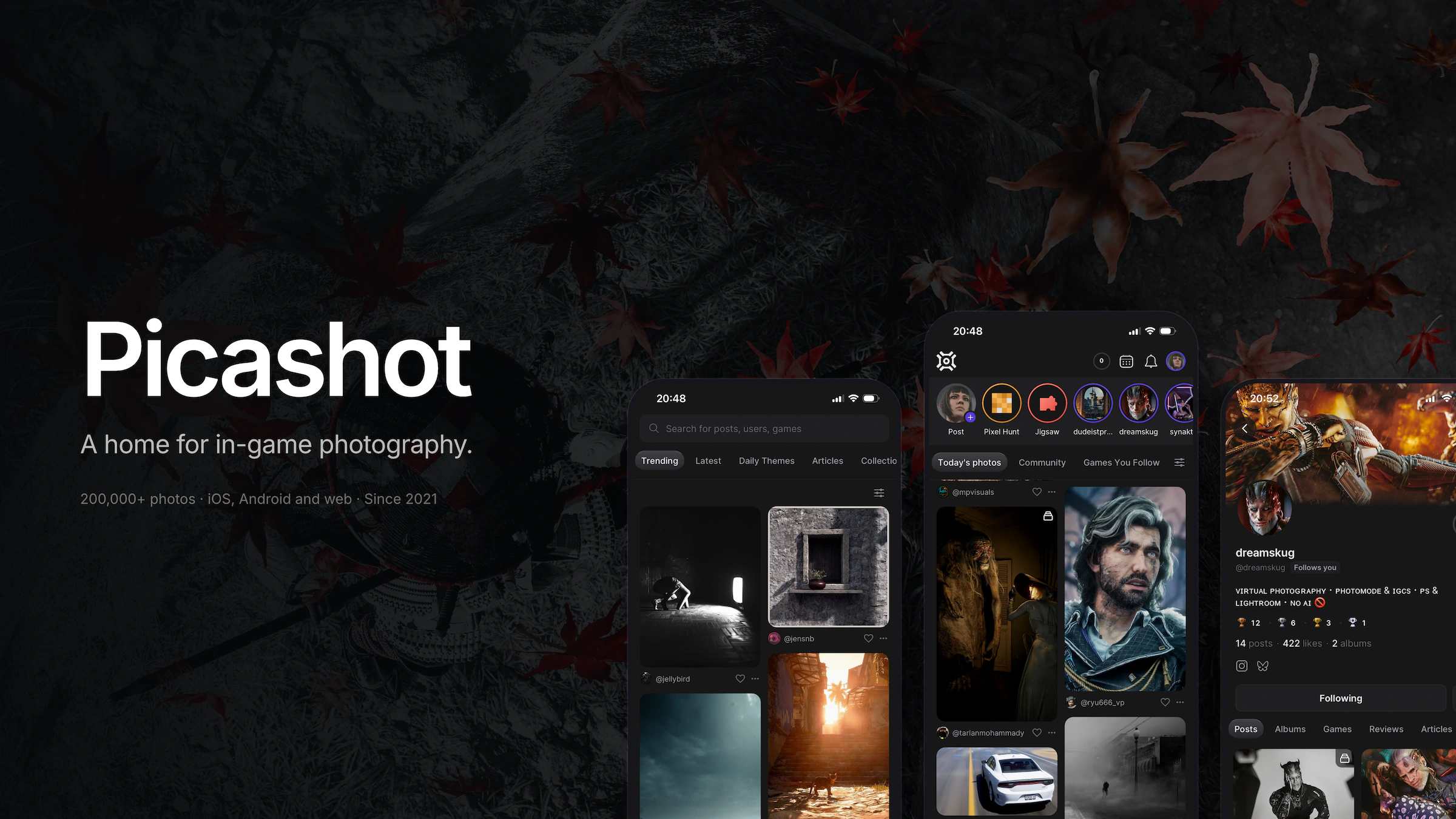
A home for in-game photography. Since 2021, with over 200,000 photos and about 2,000 more every month.
2021 — · iOS, Android, Web · Built with Expo, React Native, TanStack Start, Node, TypeScript, Postgres
Picashot is a place to put the photos you take inside video games. I started it in 2021 and I still build all of it: the mobile app, the website, the API, and Studio, which is the tool people use when they post seriously.
Most games ship with a photo mode now, and it's usually a free camera with aperture, focal length, exposure and lighting controls. People use them properly. They'll spend an hour on one frame in a game they finished two years ago.
The results end up on Twitter, Instagram or a subreddit, which compress the file, flatten the colour grade you spent that hour on, and lose track of both the game and the person who took it. Picashot keeps the file as you exported it, records the game and platform, and keeps the credit attached.
The sections that follow cover what got built around that, and how some of it works. Start with The feed, or go straight to Origin for the reverse image search.
Background photograph on the banner: Ghost of Yotei · @toko
Where it is now
Around 200,000 photos, about 2,000 more a month, and a community that's been around long enough that I recognise most of the names. Some people have their own domains pointing at portfolios the app renders for them.
It's free, and it's at picashot.co. You don't need an account to look around.
Links
Everything that's public, in one place.
- Picashot · picashot.co
- Picashot – Virtual Photography · App Store
- Picashot · Google Play
- Origin · picashot.co
The feed
Posts appear in the order people upload them. No ranking, no recommendations, no For You tab.
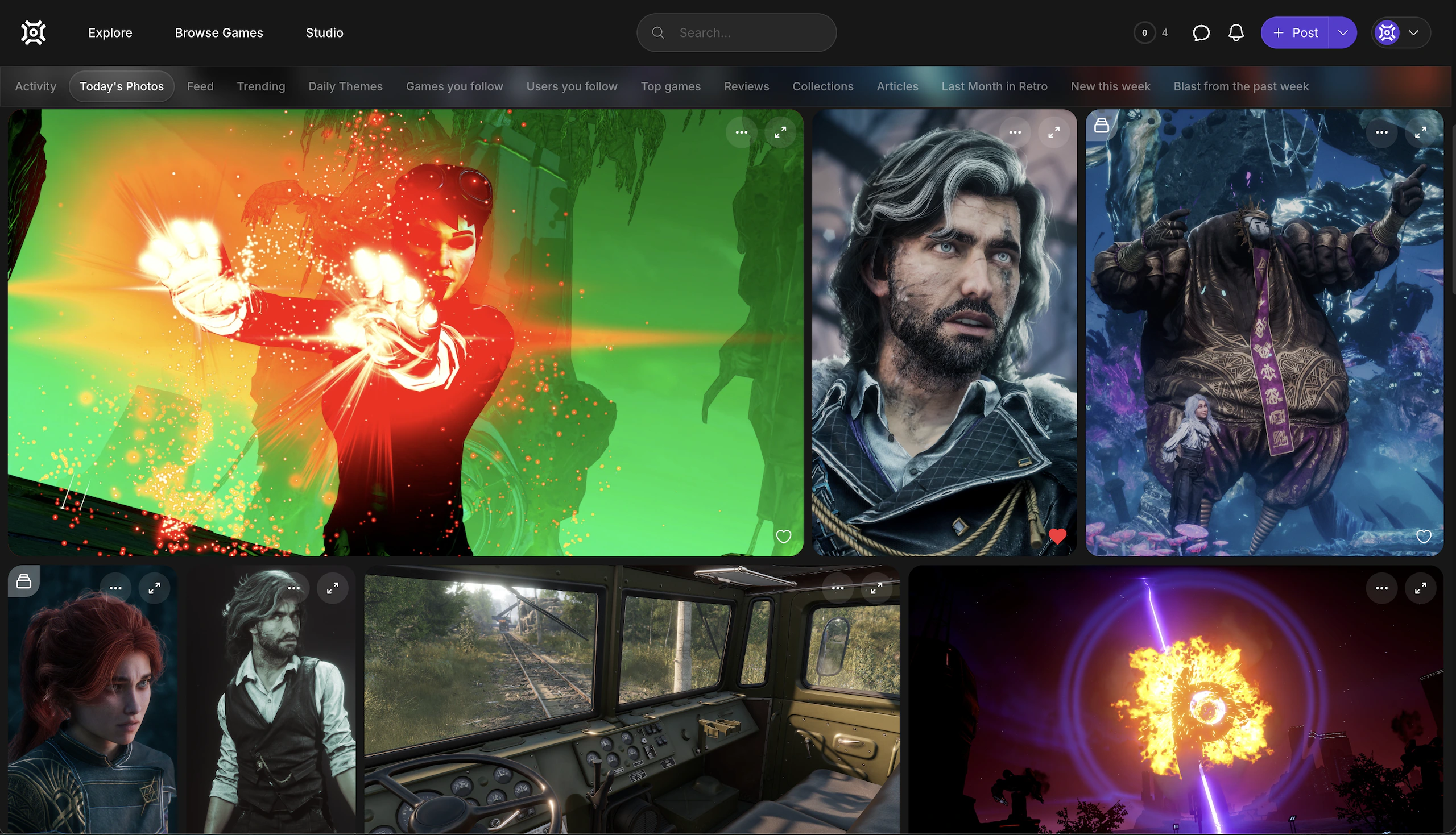
This is the thing I get asked about most, and it's deliberate. Ranked feeds change what people make. This is a small community where the value is in people posting their actual work rather than whatever performs, so there's nothing to optimise against.
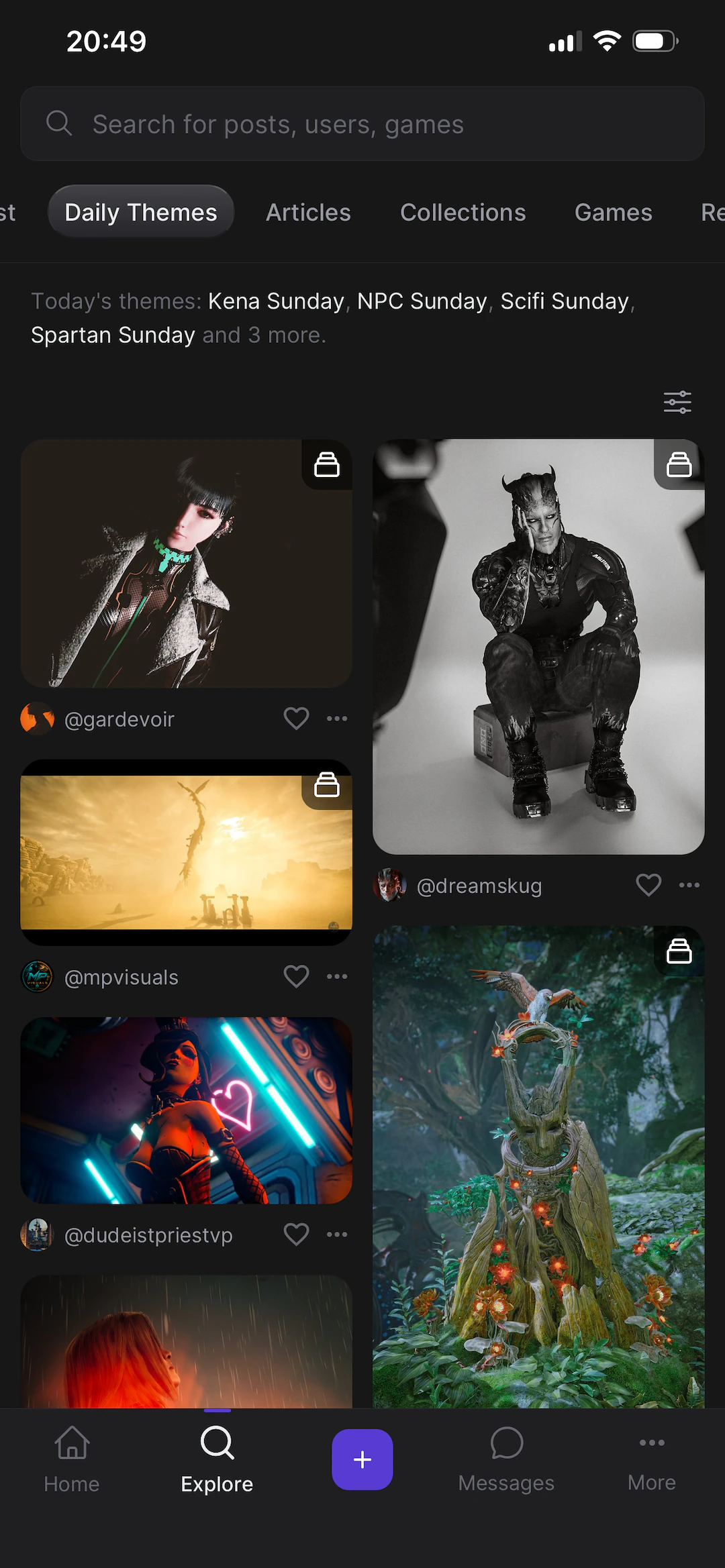
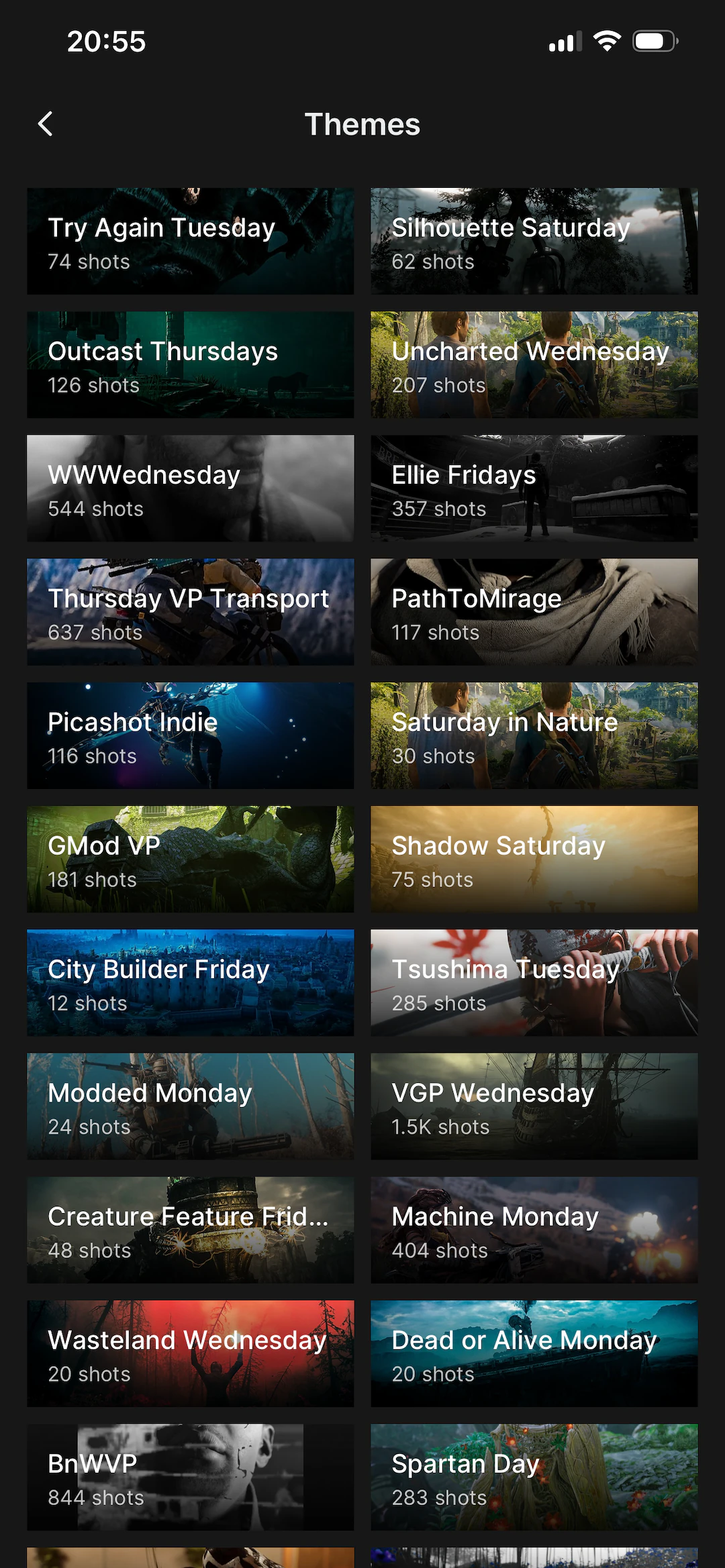
What replaces ranking is sorting. Every photo is tagged with its game, its platform and often a theme, so you can come at the same library from a few directions: what went up today, everything from one game, one person's work, or whatever people made for a given theme.
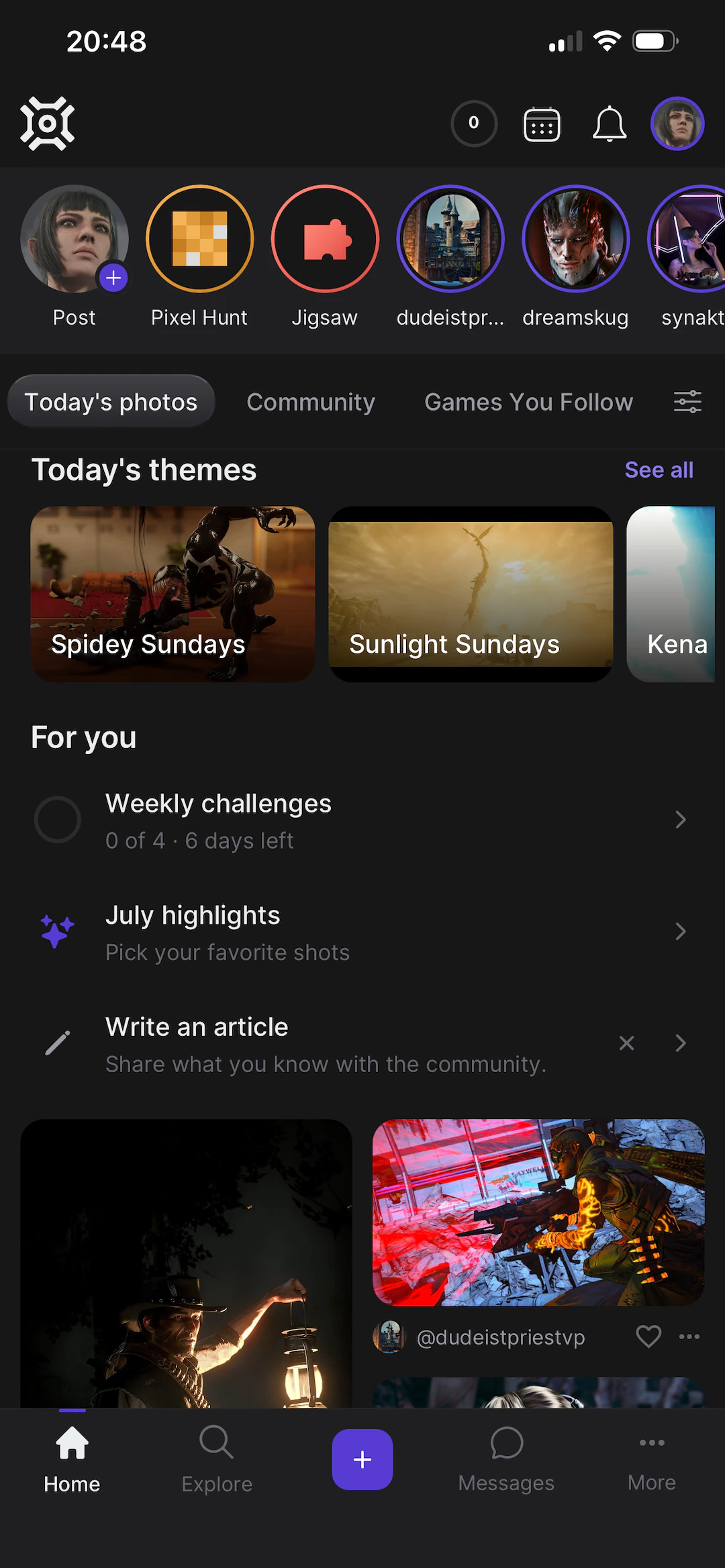
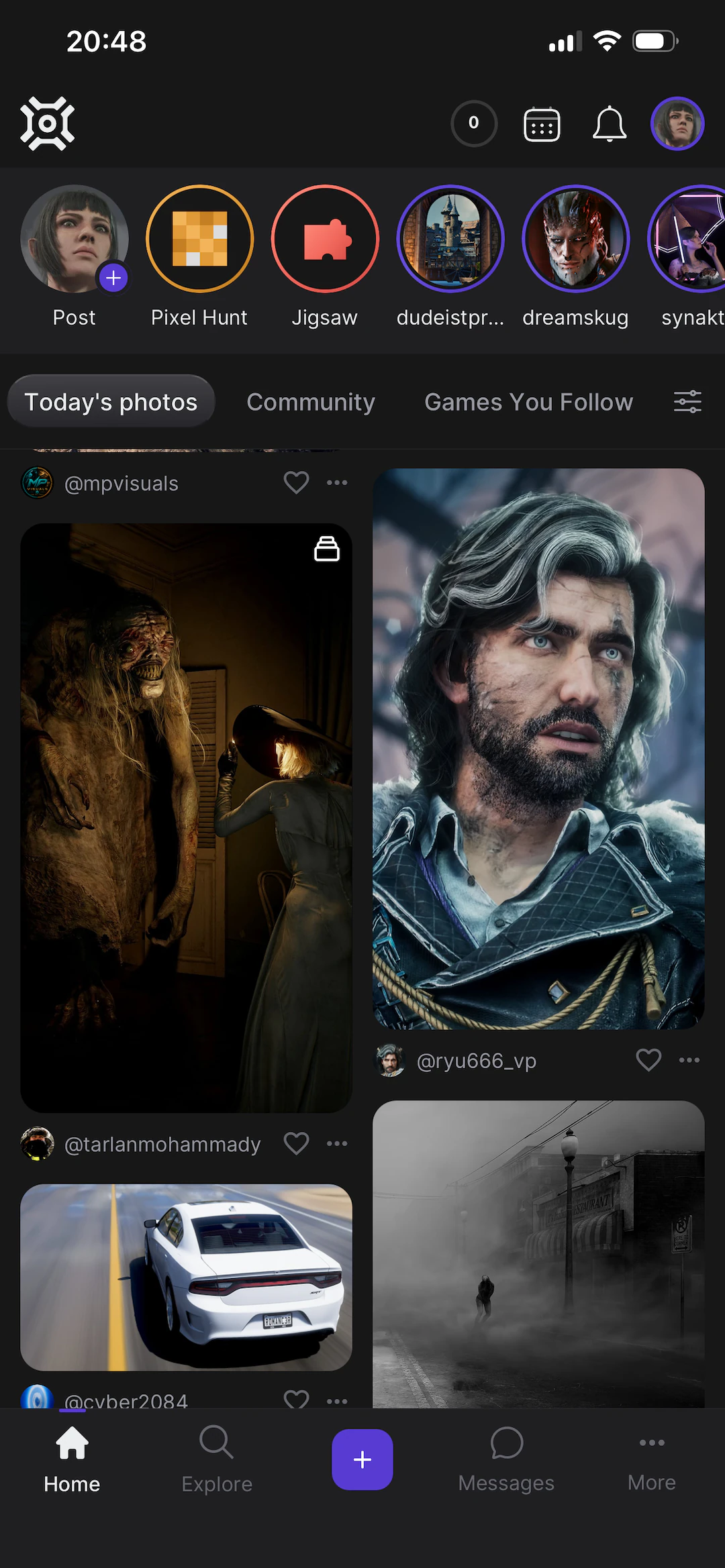
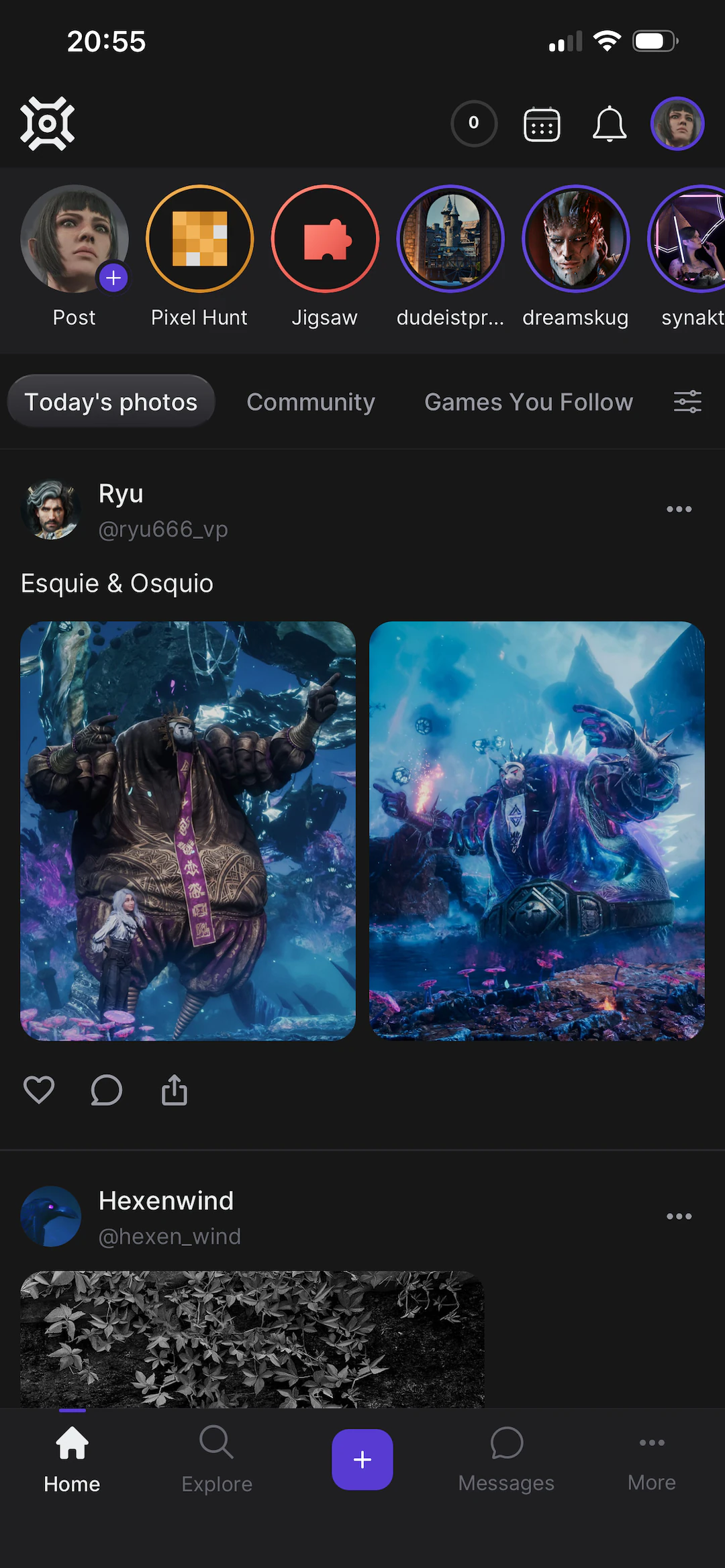
And on the phone. Themes across the top, then everything people posted, newest first.
Games
Every photo belongs to a game, and that does most of the organising.
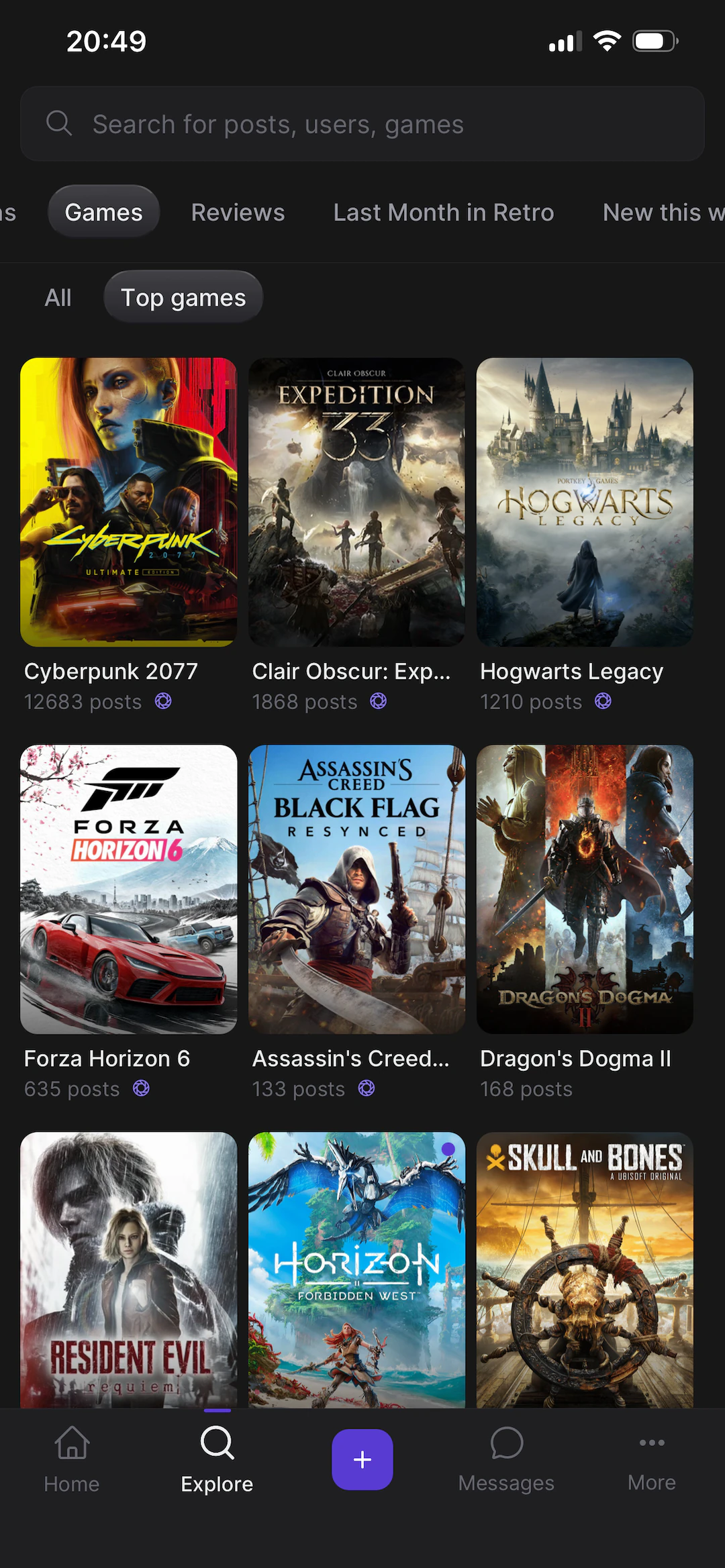
Games get their own pages: cover art, every photo taken in them, the people who shoot them most, and a follow button so new work shows up in your feed. There are a few thousand of them. Cyberpunk 2077 has over twelve thousand photos on its own.
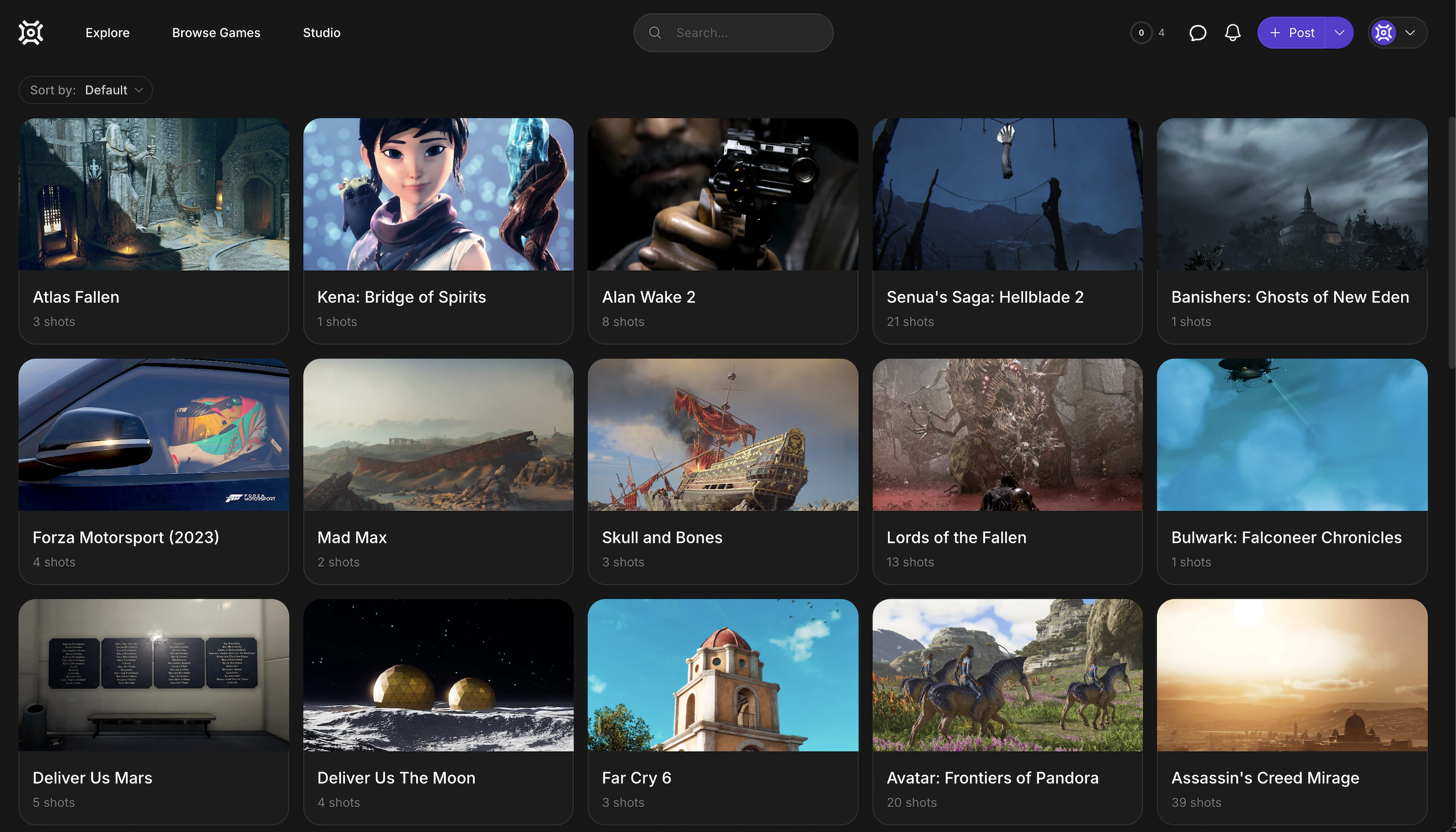
It also works as a way to decide what to play next. If you want to know whether a game is worth playing with the camera out, you can look at what people have already got out of it.
Photo mode reviews
You can review a game's photo mode separately from the game itself.
The review covers the camera: how far it moves, whether you can hide the interface, what the depth of field control actually does, whether the lighting settings change anything. It's a five-star rating with sub-scores for each of those, plus a written review. Reviewers attach their own photos as evidence, so you can see what they got out of the tools rather than taking their word for it.
As far as I know nobody else covers this. Game reviews don't mention photo mode, and for people who care about it, it's often the deciding factor.
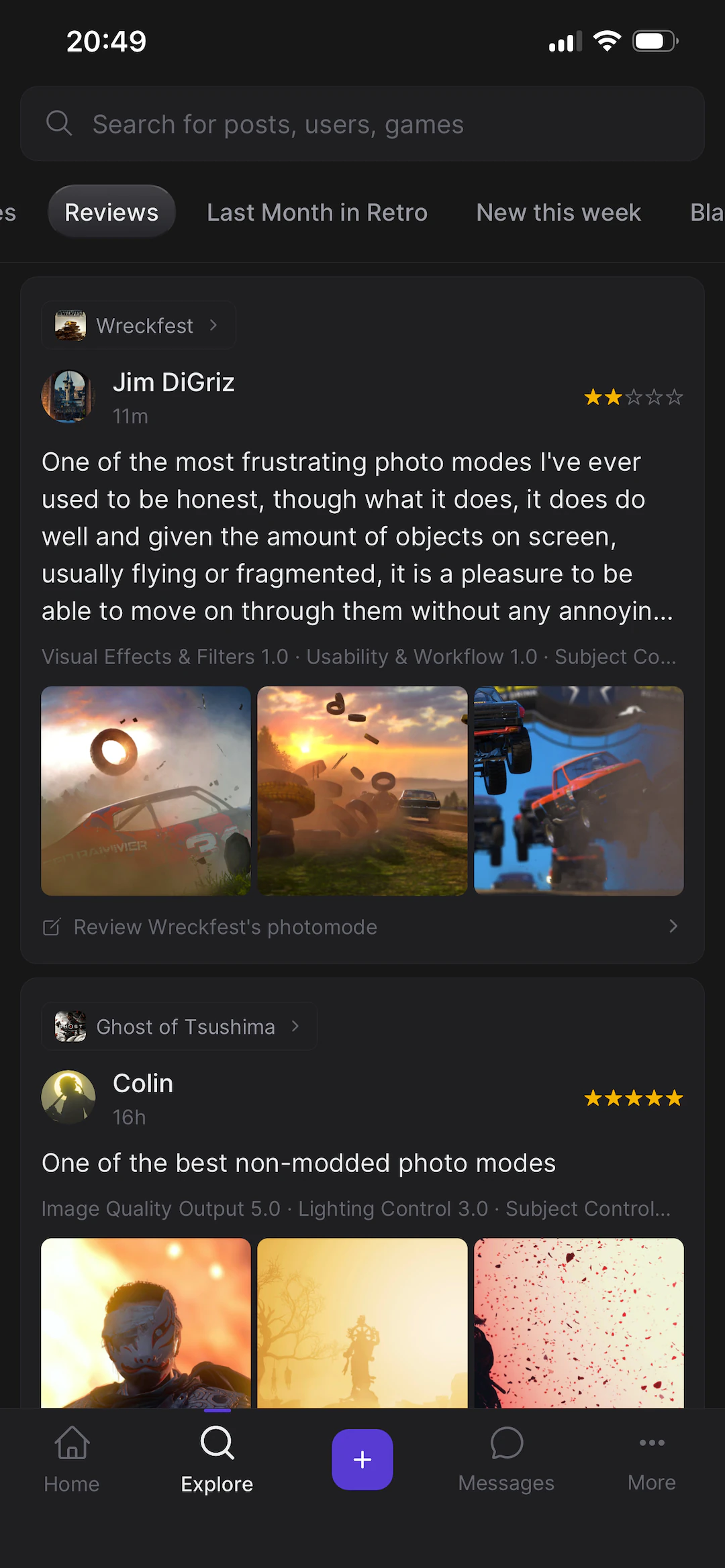
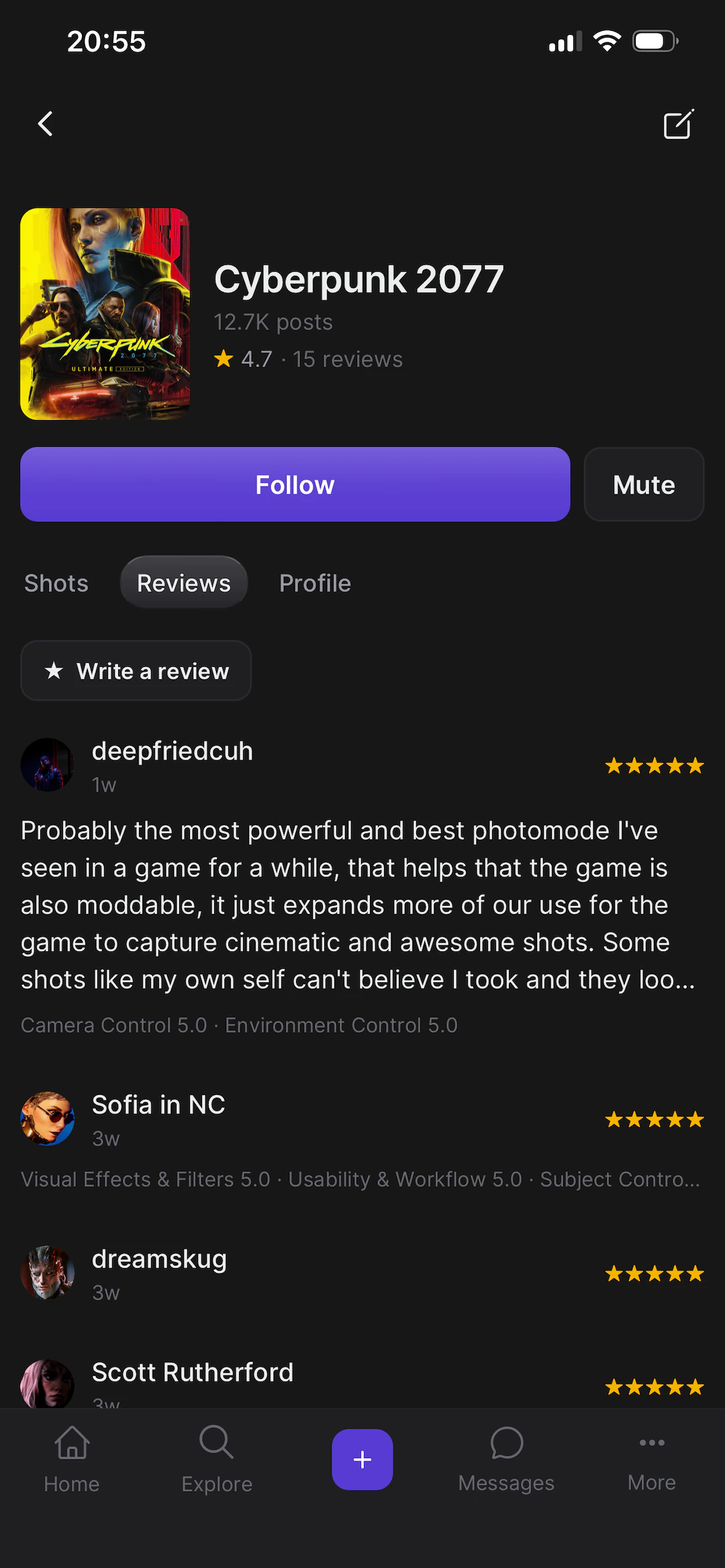
Reviews as they come in, and a game page with its average. Cyberpunk is at 4.7 across fifteen reviews.
Editor
Most photos need something after the game hands them over. A crop, more light, contrast pulled back on a scene that was graded for motion rather than for a still.
The app has an editor for that: exposure, contrast, blacks, whites, saturation, hue, grain, blur, filters, text, layers and masks. It runs on the phone, so nothing is uploaded to be processed.
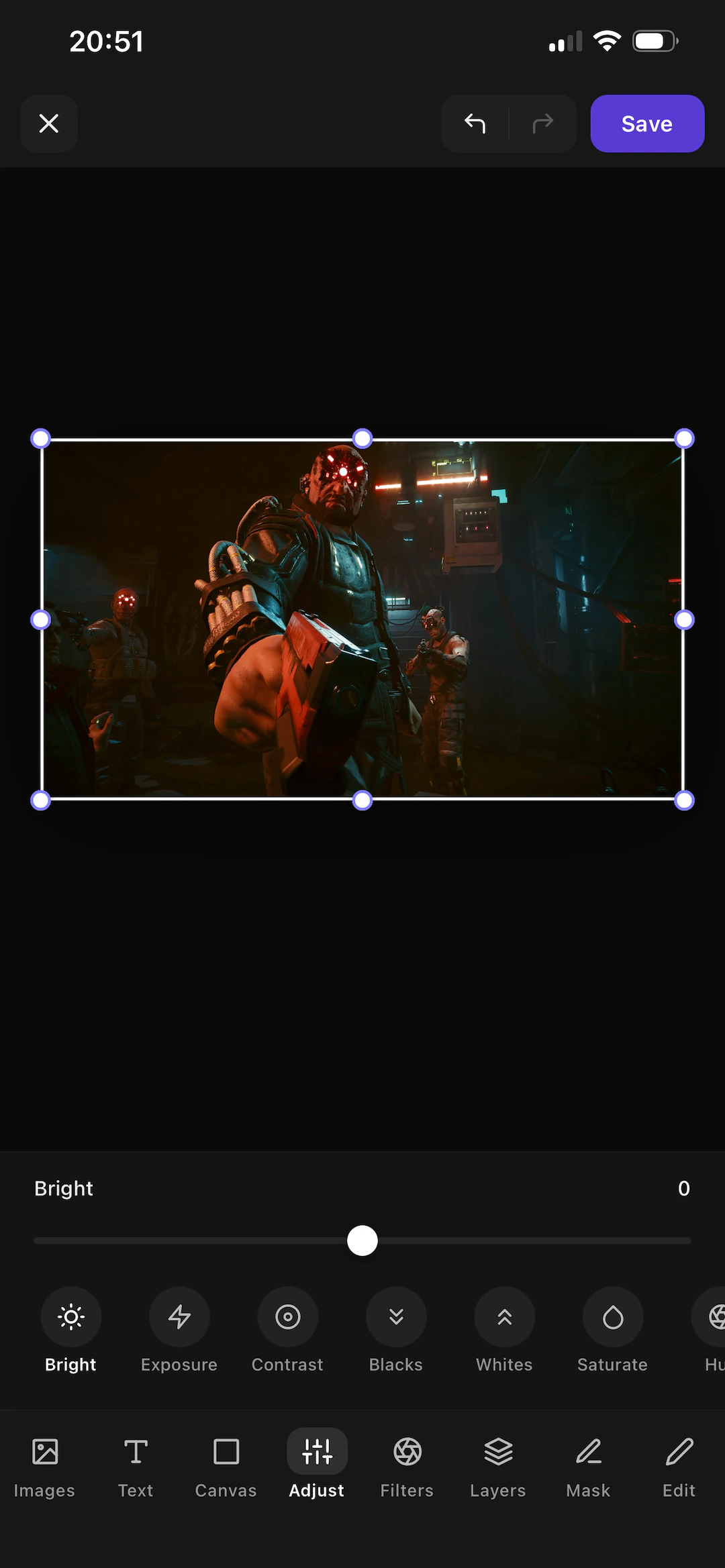
There's a bigger one on the web with more room, proper masking, and a canvas that takes several images at once. People use it for before-and-after posts and for article covers.
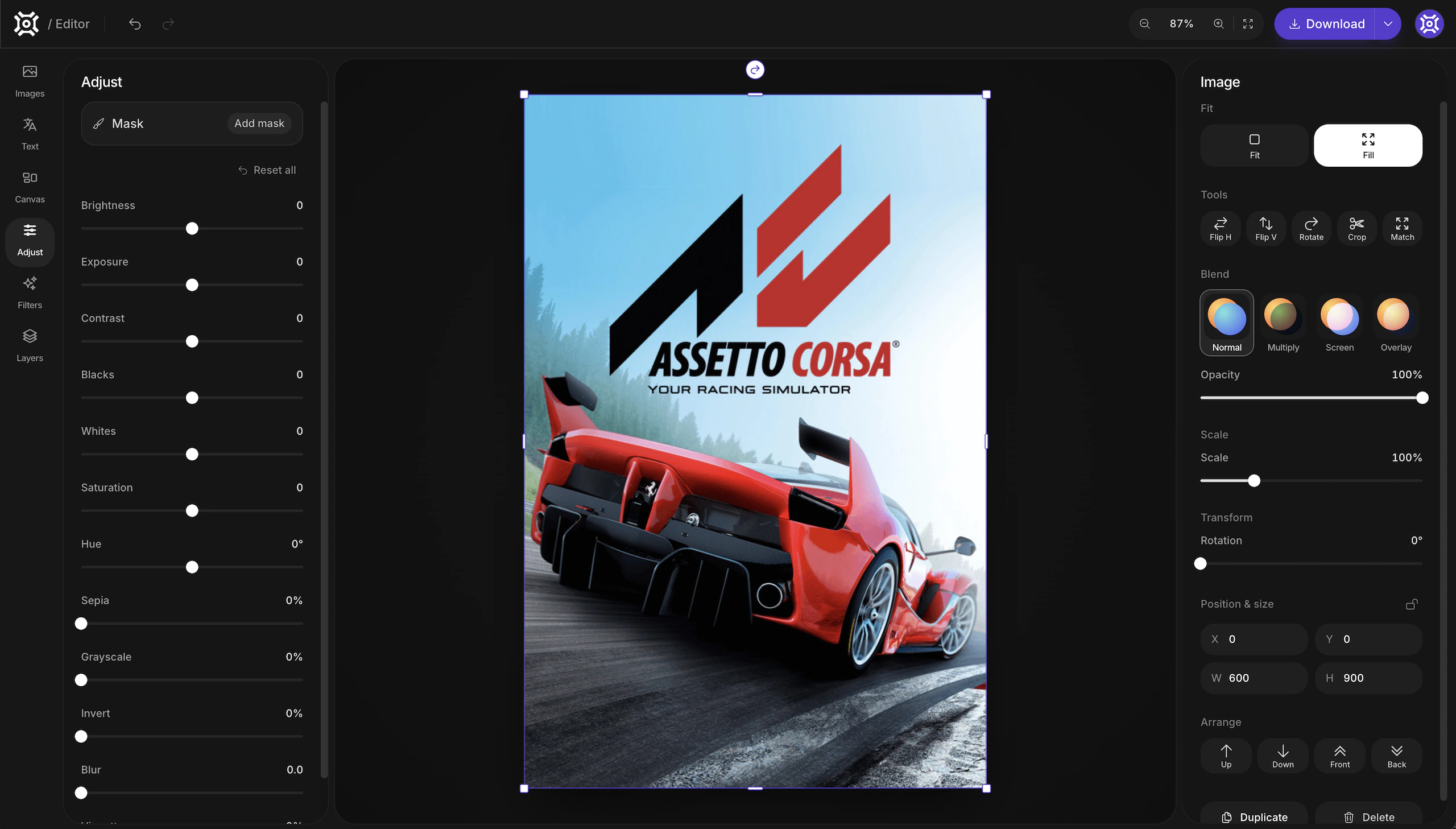
The web editor. Adjustments on the left, layers and blend modes on the right.
Studio
Studio is a separate app for people who post regularly. The main site is for browsing; Studio is for producing.
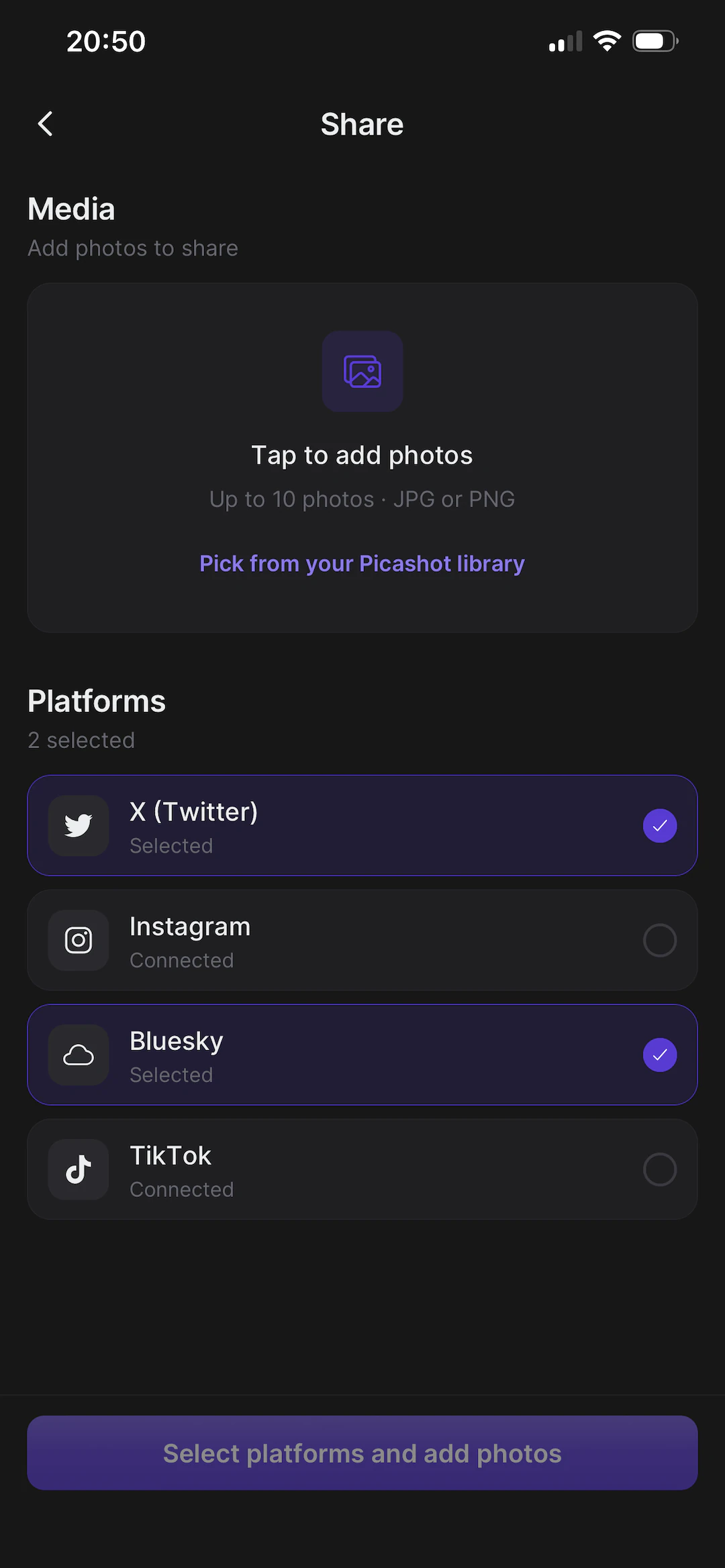
The main thing it does is crossposting. Putting one photo on Instagram, X, Bluesky and TikTok normally means four exports, four crops, four captions and four uploads. In Studio it's one screen: pick the platforms, add the images, write the caption once and adjust it per platform if you want.
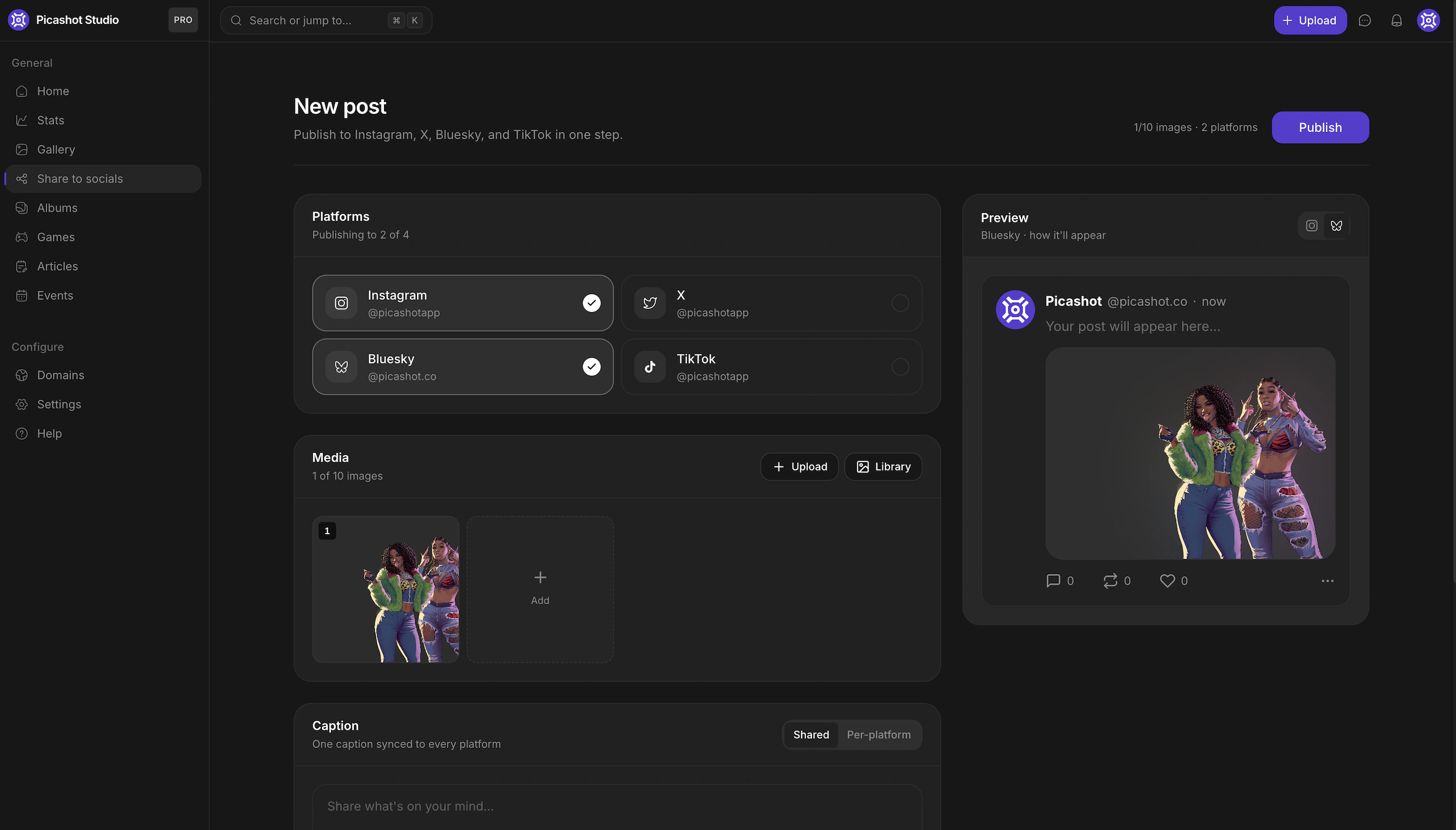
Each service has its own limits on aspect ratio, caption length and image count, and Studio handles those. TikTok took the longest to build, because its photo posts publish asynchronously — you submit, then poll for the result.
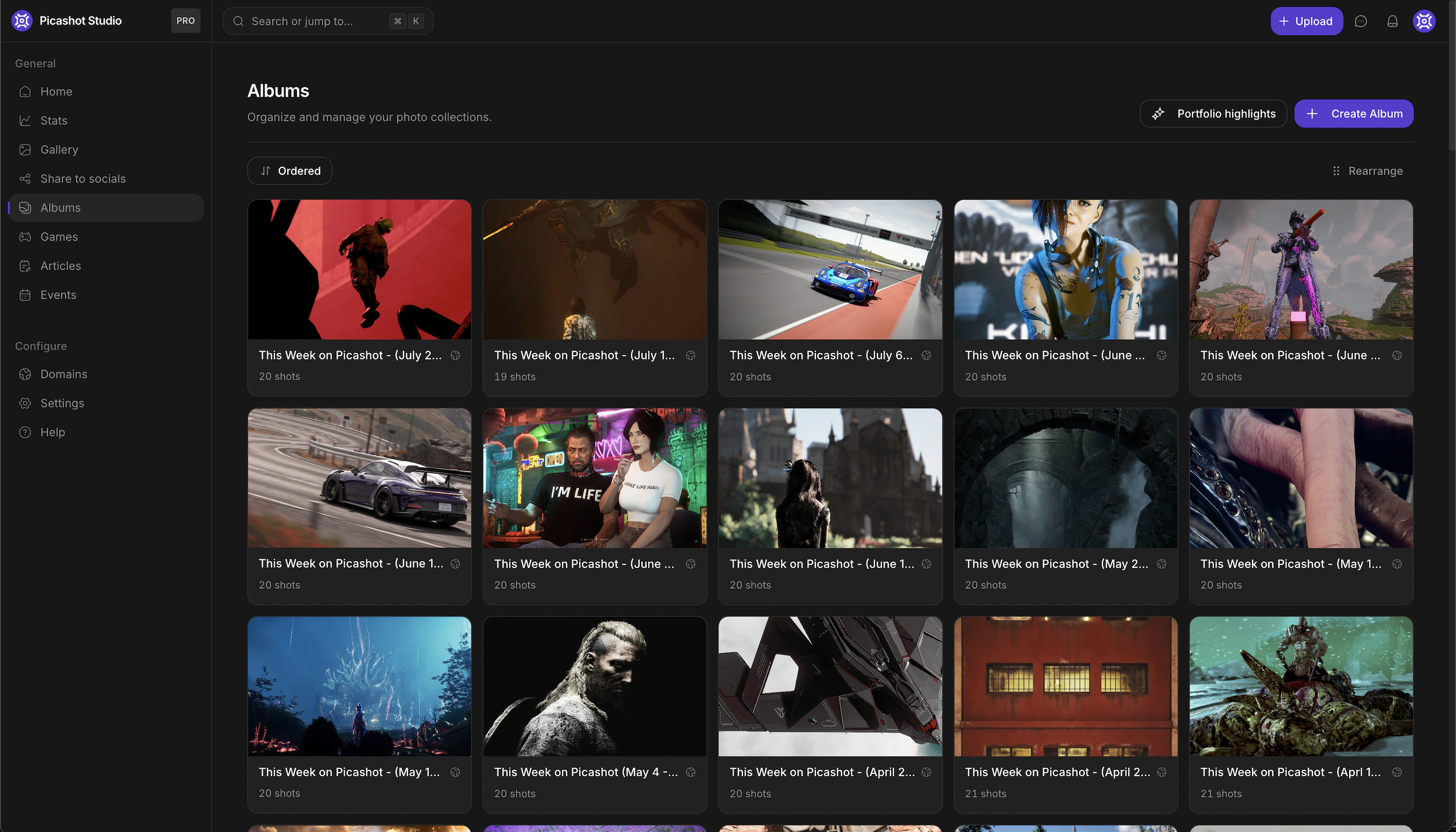
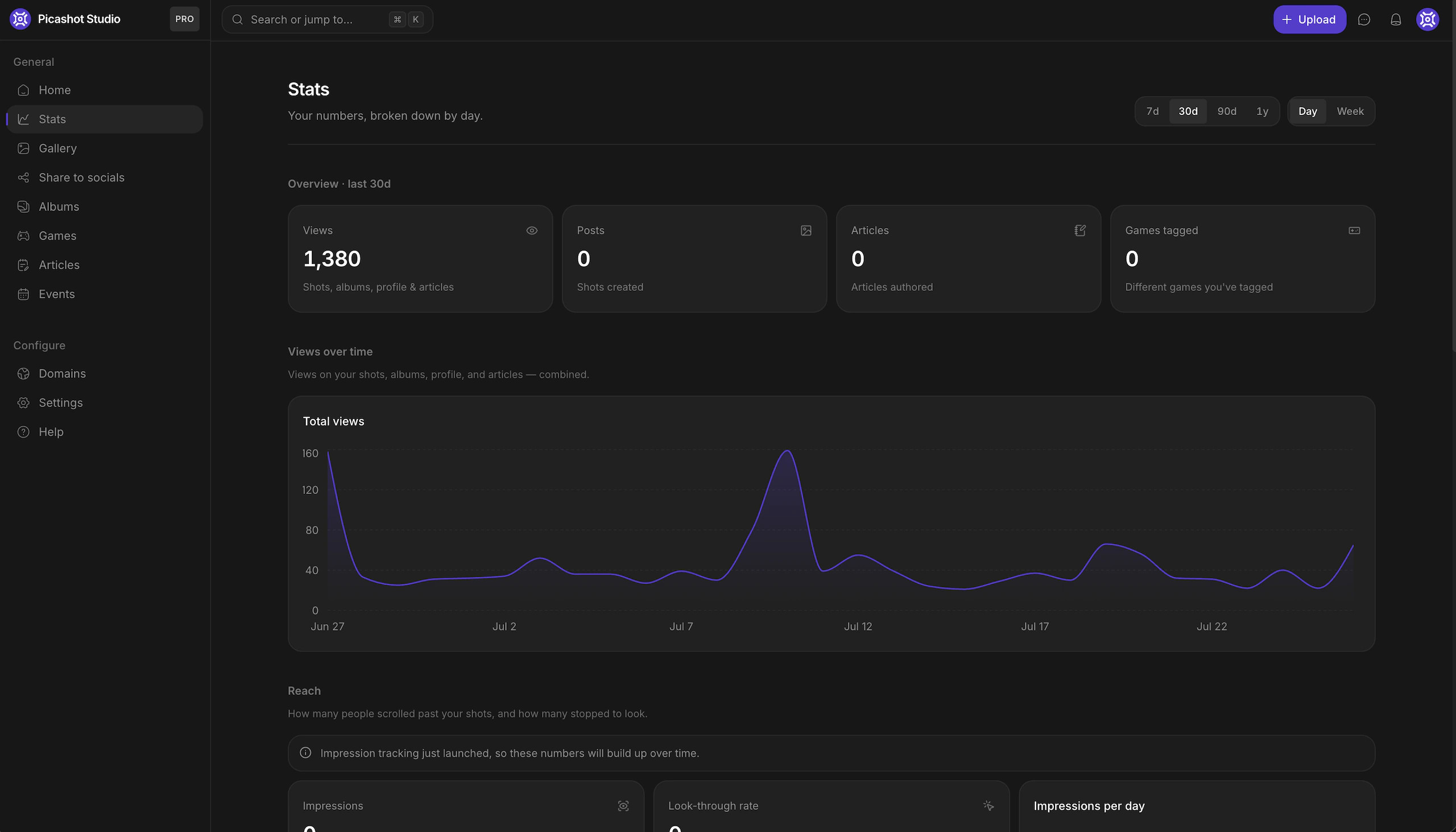
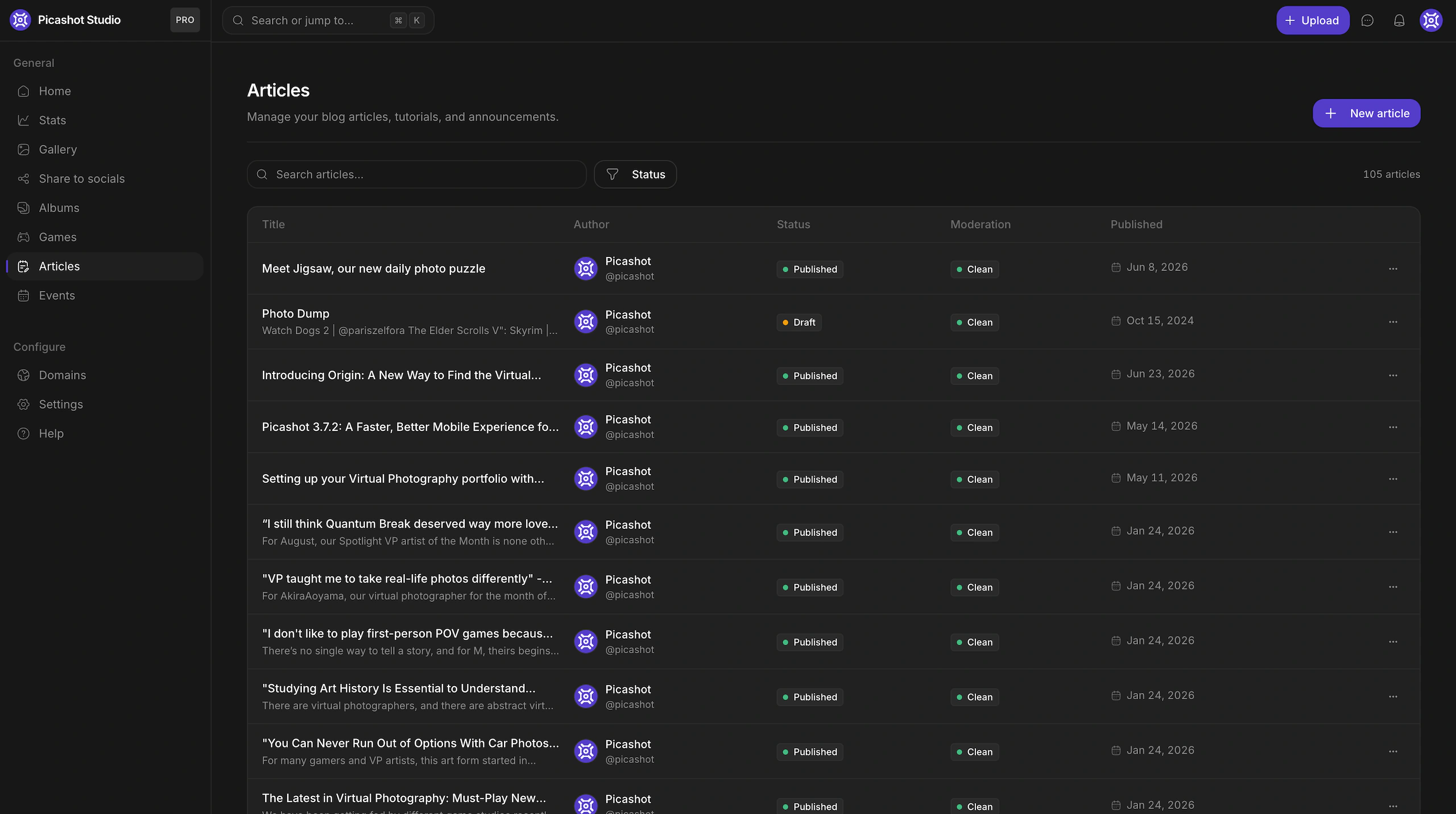
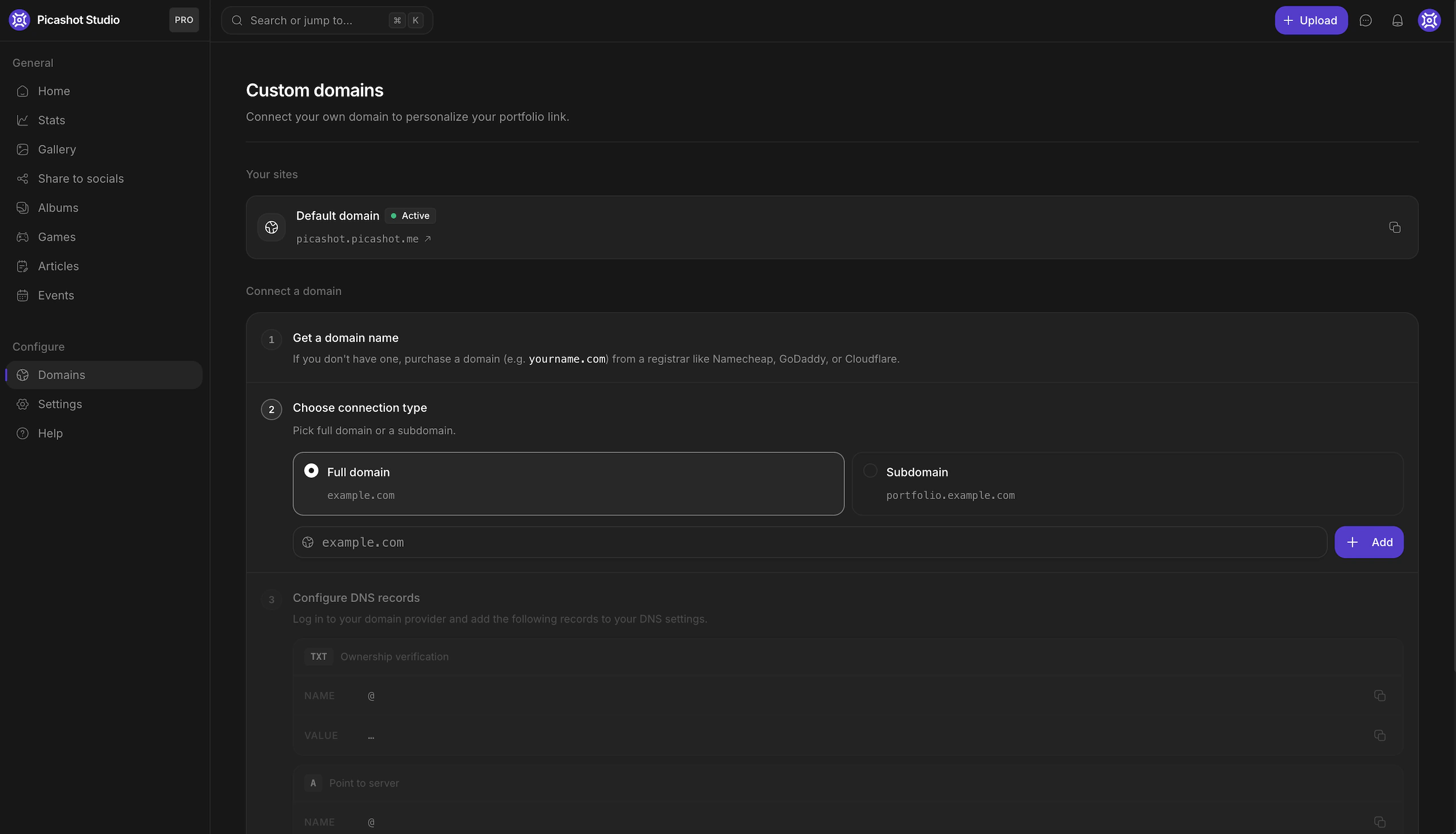
The rest of Studio is albums, article drafts, per-day view counts, and connecting a custom domain. The domain flow walks people through the DNS records one at a time, since most of them have no reason to know what a CNAME is.
Articles
Captions are too short to explain how a photo was made. People kept trying to fit the mods, the lighting setup and what they were going for into a couple of hundred characters, so I built a proper editor for it.
It handles covers, headings and inline images. What people write with it are guides, breakdowns, photo essays and reviews. Articles sit on your profile next to your photos, and a photo mode review can link out to one.
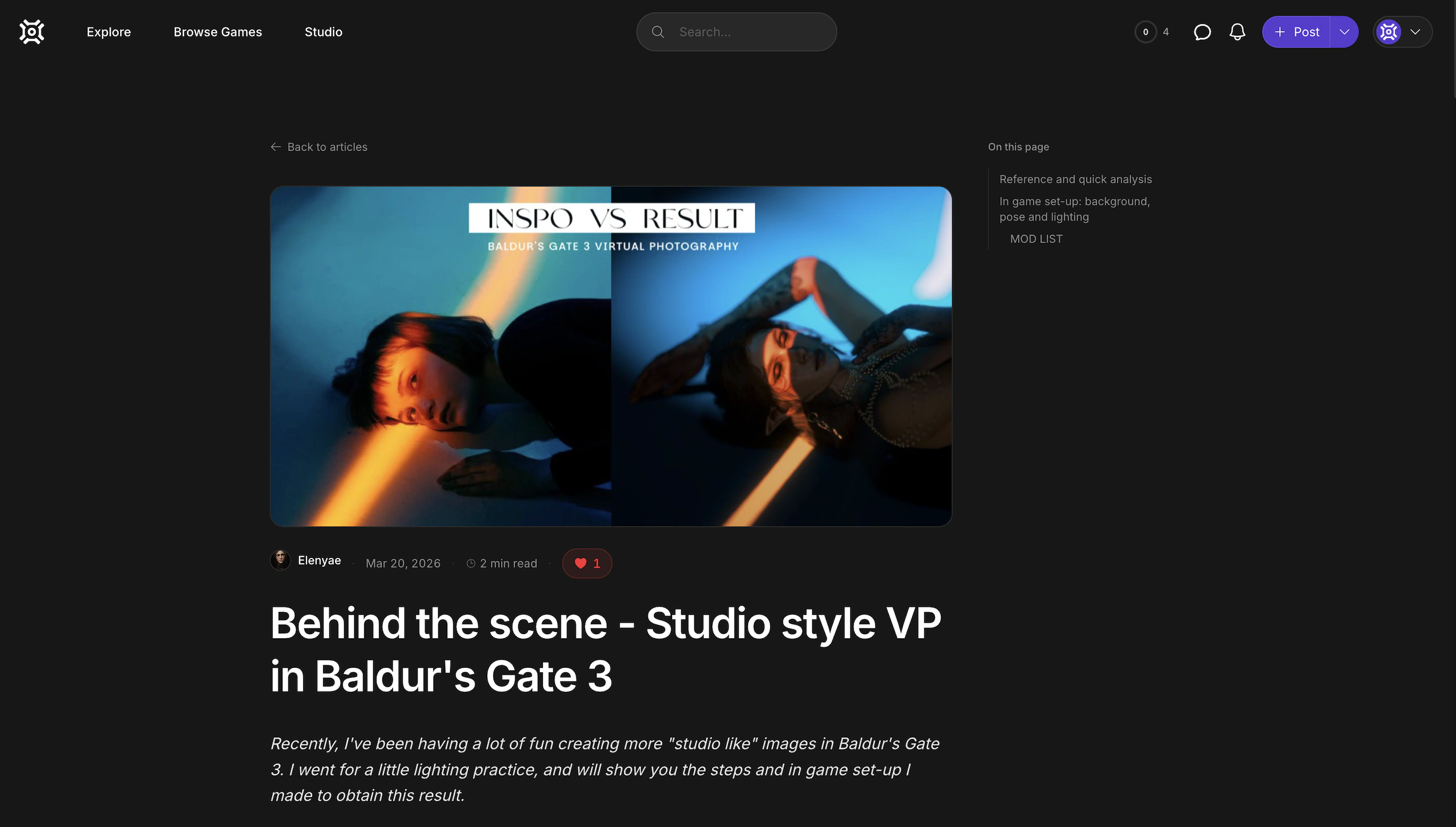
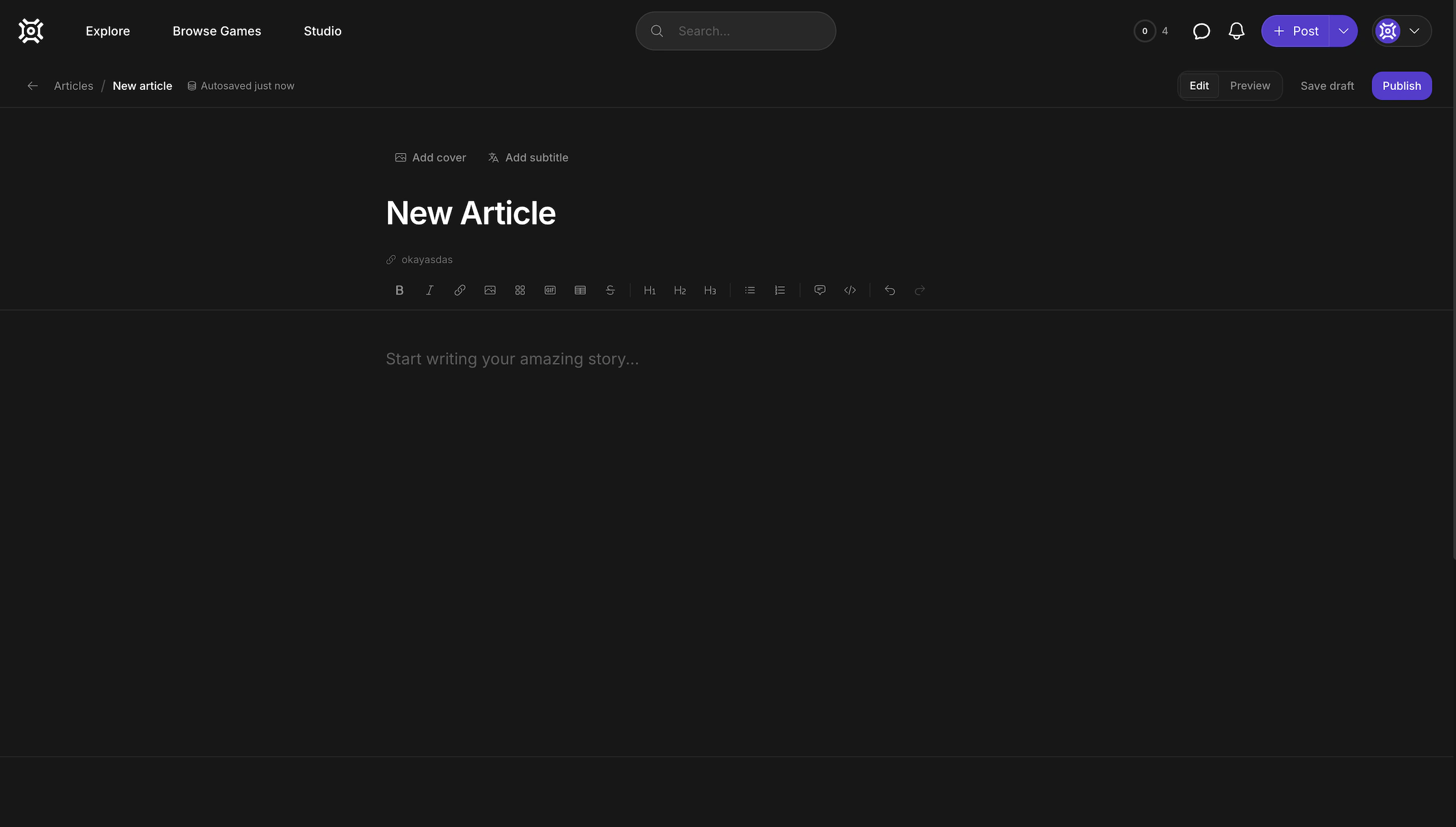
A published article, and the editor it came out of.
Origin
Photos get reposted without credit. Someone screenshots a post, puts it up somewhere with no attribution, it gets scraped onto a wallpaper site, and after a few hops nobody knows who took it.
Origin is a page where you upload any image and it tells you which Picashot post it came from. It has to work on a copy, so the image it's given is usually resized, re-encoded, slightly cropped and generally degraded.
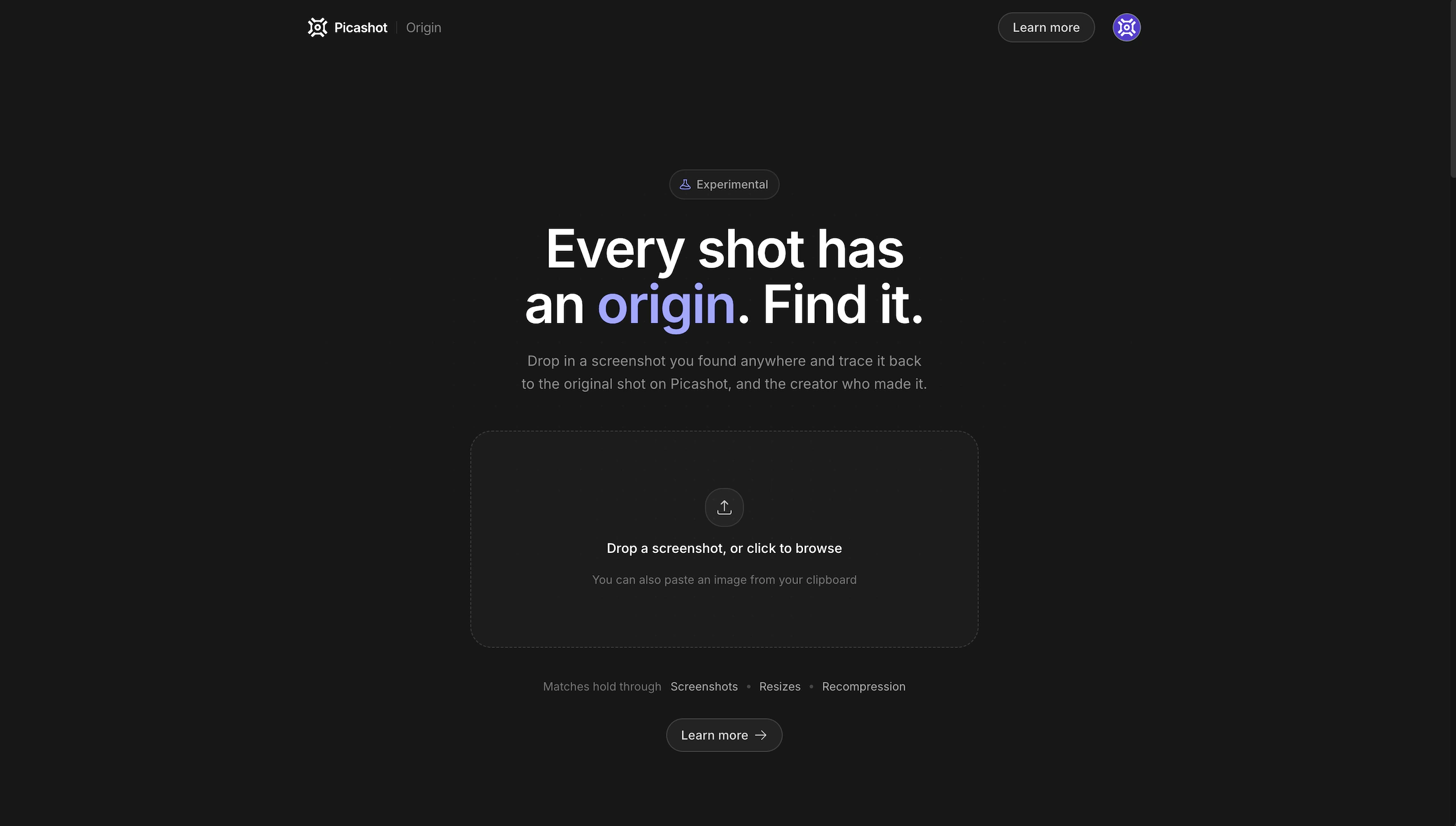
It runs in two passes.
- Every image gets a perceptual hash when it's uploaded, which survives resizing and re-encoding. The first pass finds the closest hashes to the one you gave it. That covers most cases and it's fast.
- If it comes back with nothing — a hard crop, a heavy filter, too many hops — it falls back to running the image through CLIP and searching the resulting vector against every embedding on the platform, using pgvector on an HNSW index.
The second pass is slower, and it's a similarity match rather than a fingerprint match, so the result tells you which of the two found it.
- Origin · picashot.co
Achievements
The audience is people who play games, so parts of the app are built like one.
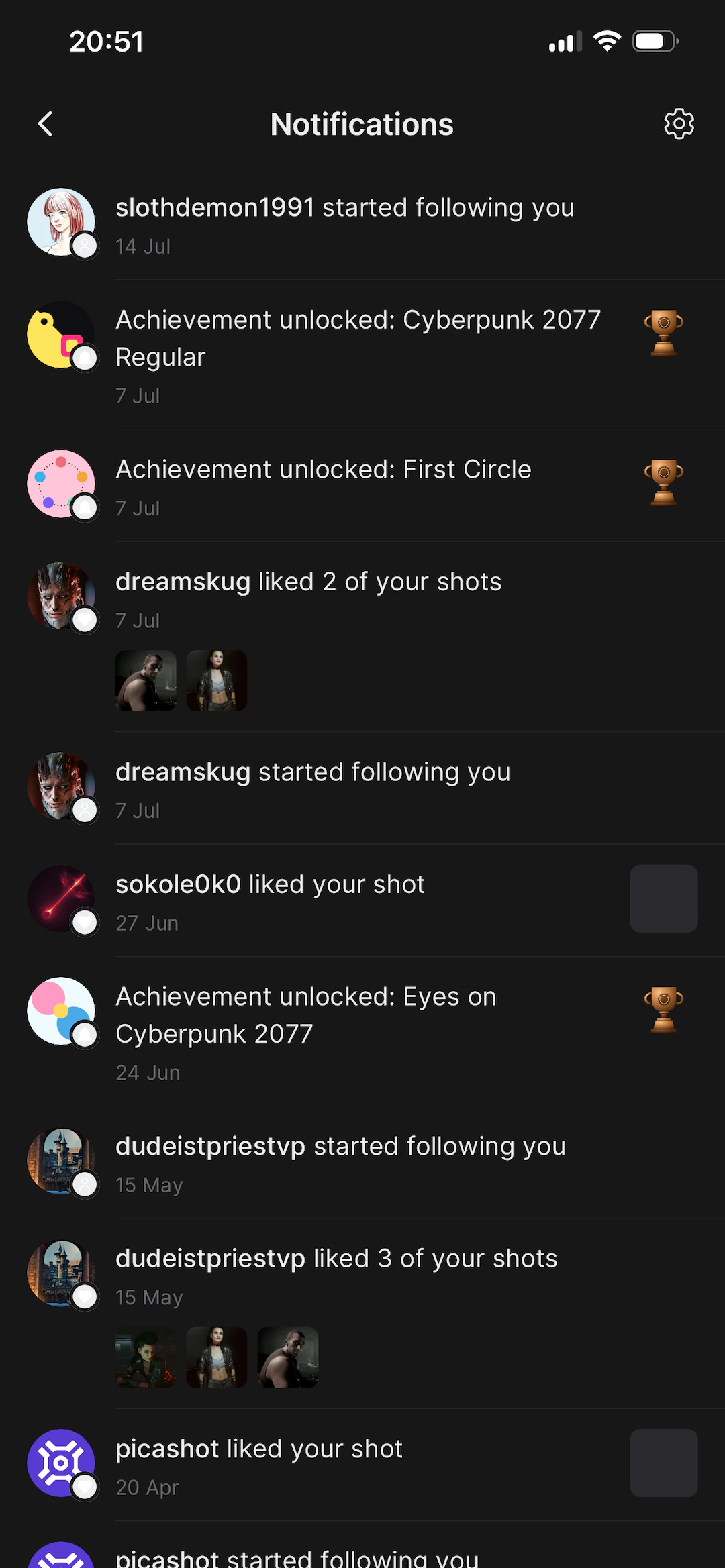
There are over a hundred achievements across bronze, silver, gold and platinum tiers, unlocking on things like your first upload, your first review, or keeping a weekly streak going. They add up to points and a level on your profile. Weekly challenges give people a prompt to shoot against.
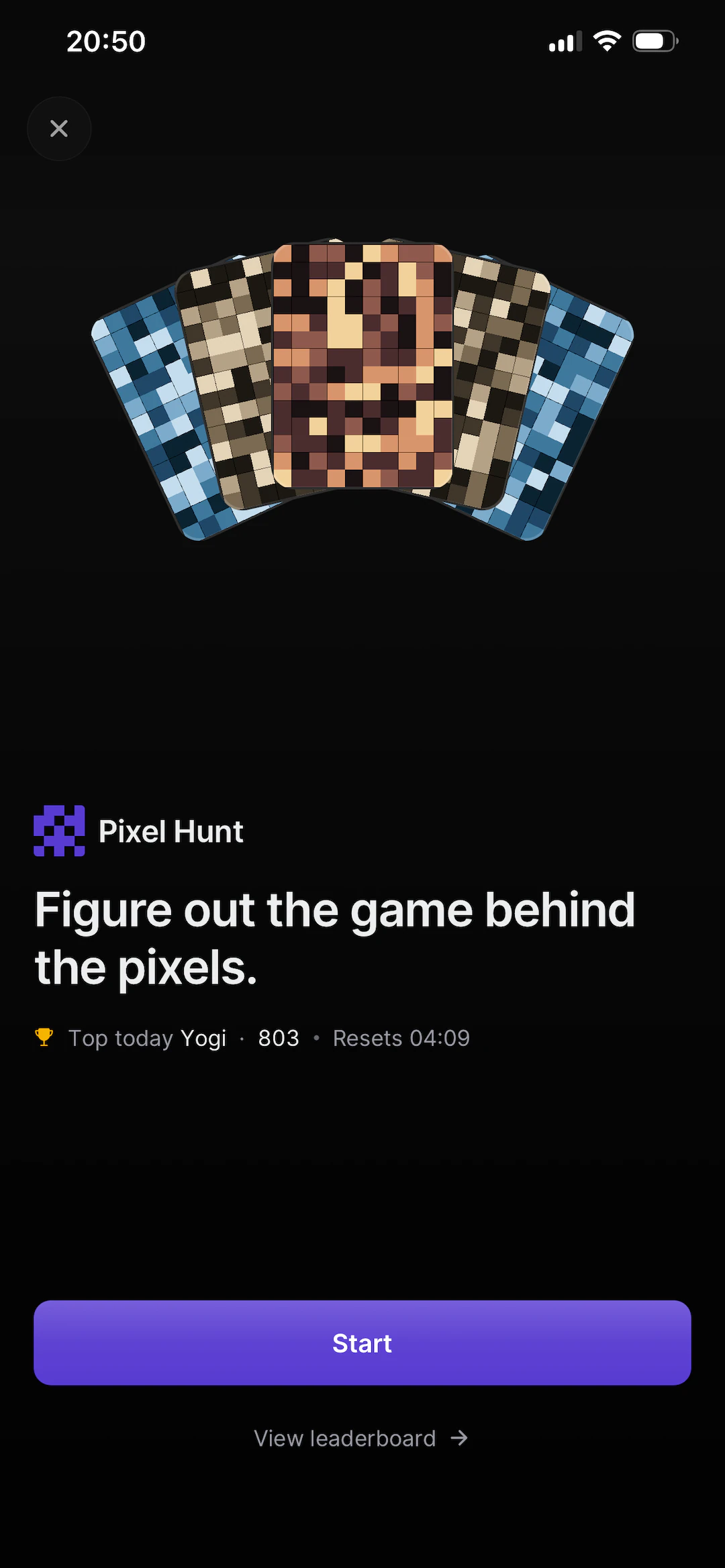
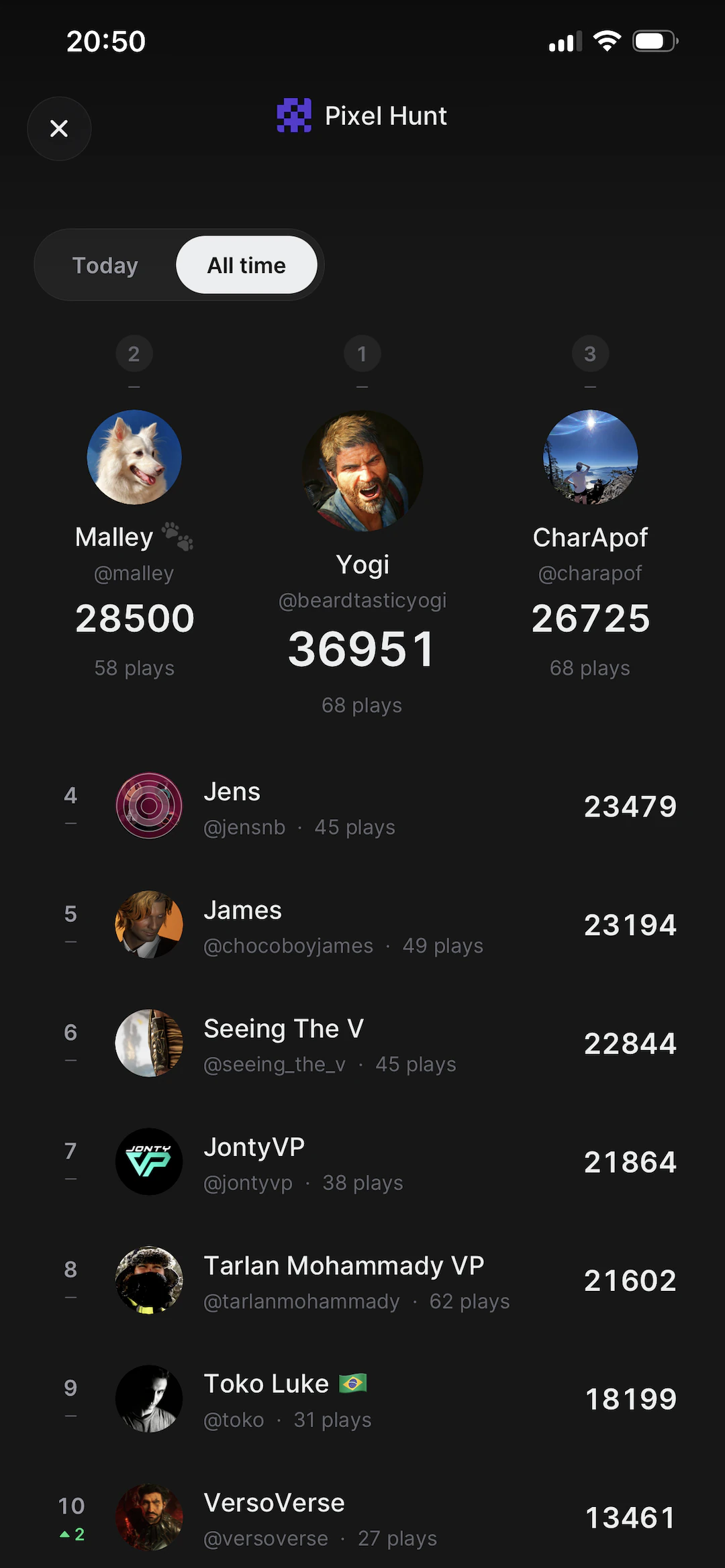
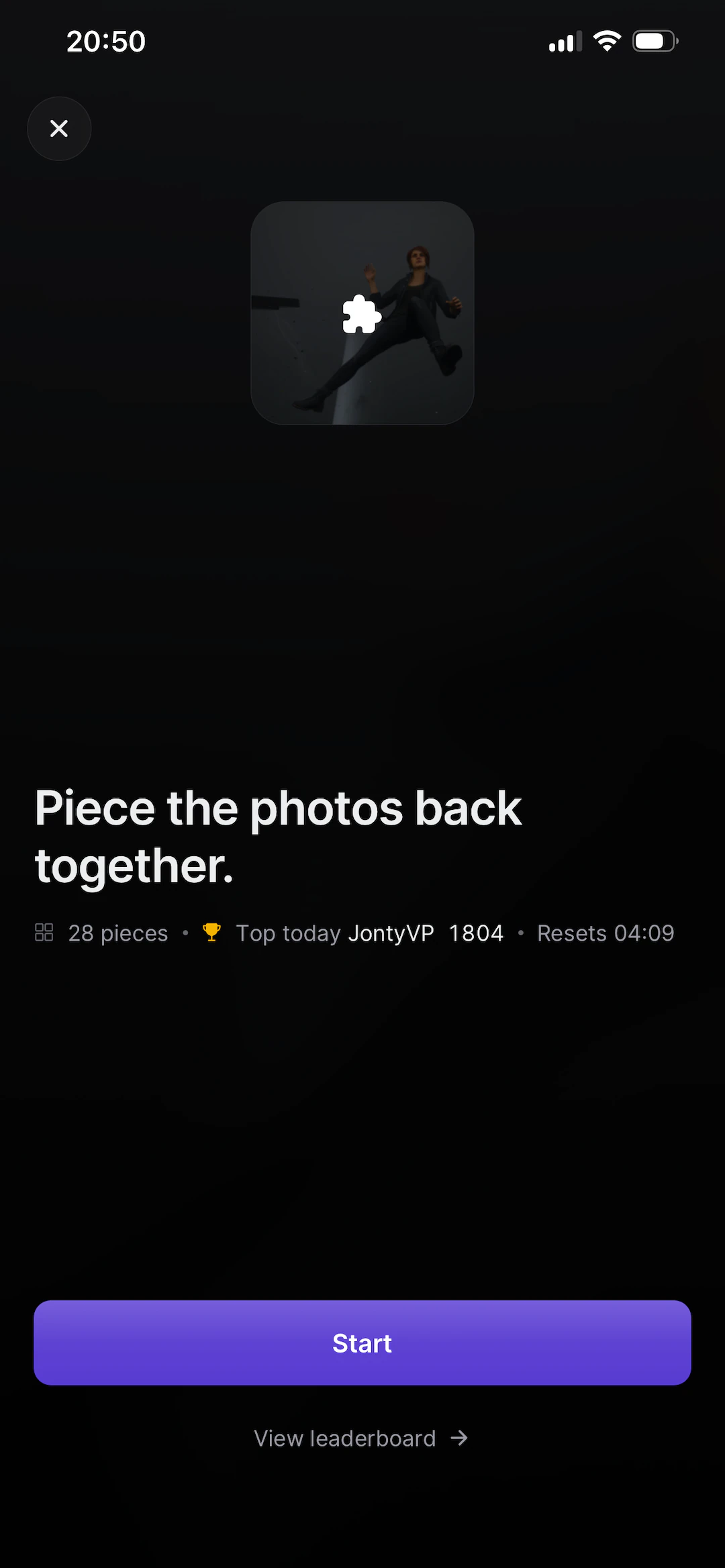
There are also two daily games built out of community photos. Pixel Hunt shows a heavily pixelated photo and you guess which game it's from. Jigsaw cuts one into 28 pieces and times you putting it back together. Both reset daily and both have leaderboards.
How it's built
Picashot is several apps sharing one account and one library, which is most of the reason it took as long as it did.
- Mobile app: iOS and Android, one Expo codebase
- picashot.co: the main site
- Studio: creator tools, separate app
- Portfolios: rendered on creators' own domains
- Origin: reverse image search for credit
- Blog: editorial and release notes
- API: one backend behind all of it
- Workers: thumbnails, hashes, embeddings
It started as an Android app in Kotlin, because that's what I knew. A year later I rewrote it in Expo so it could run on iOS too. That meant one codebase for both platforms and over-the-air updates, so a fix can reach people the same day instead of waiting on a store review.
The website has been rewritten twice. Next.js, then Next.js again, and it now runs on TanStack Start. The site is mostly image loading and data fetching, and Start handles both without getting in the way.
The backend is a Node API split by feature with Postgres behind it. Images are the expensive part. An original goes to S3, a Lambda picks it up and generates five sizes with Sharp, and a webhook writes the URLs back when it's finished. Uploads don't wait for any of that. Perceptual hashes and CLIP embeddings are generated on the same path.
- Expo, React Native: the app, updated over the air
- TanStack Start: the website
- Node, TypeScript: the API, split by feature
- Postgres: photos, games, people, points
- pgvector: image embeddings for Origin
- S3, Lambda, Sharp: originals in, five sizes out
- SES: login codes, digests, Wrapped
Every screen
Home · Today's photos · A carousel post · Trending · Activity
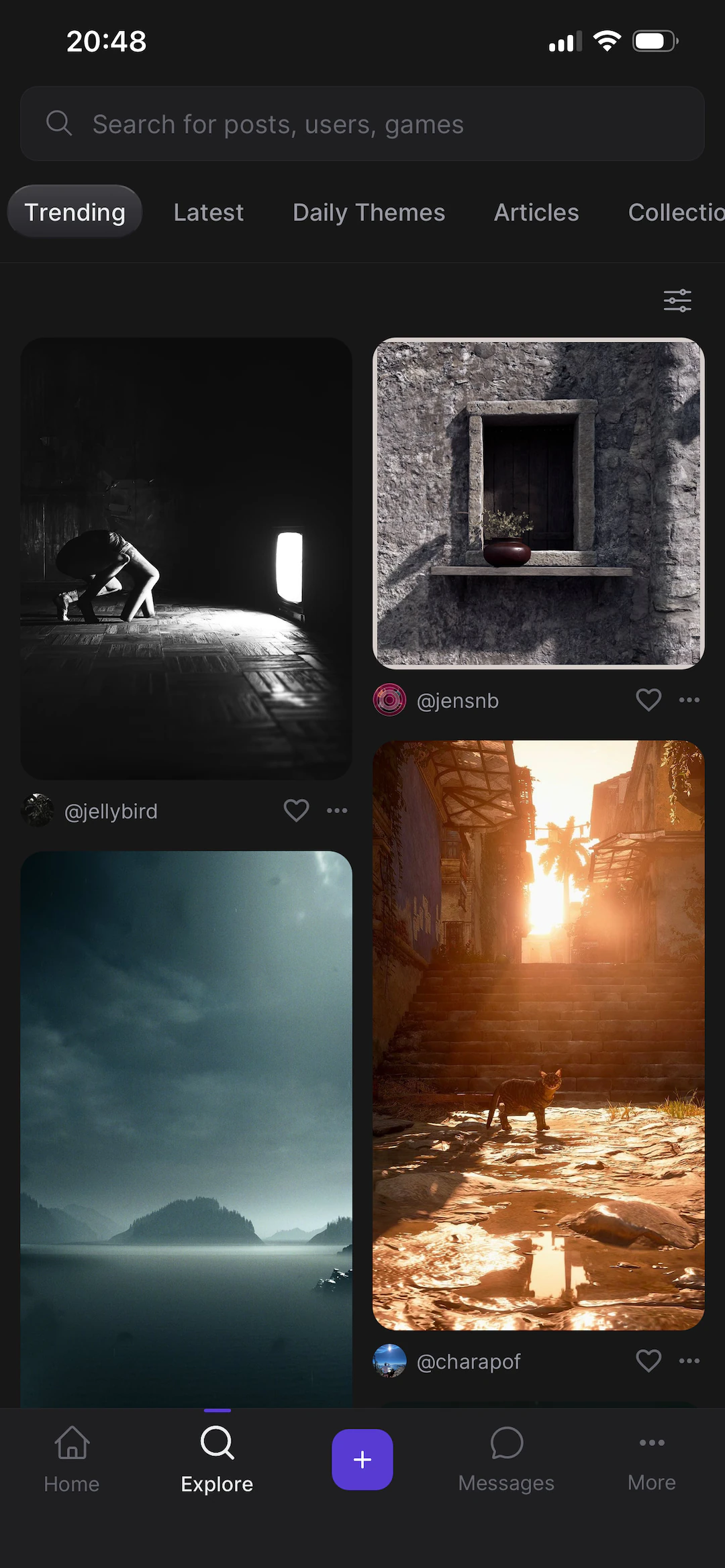
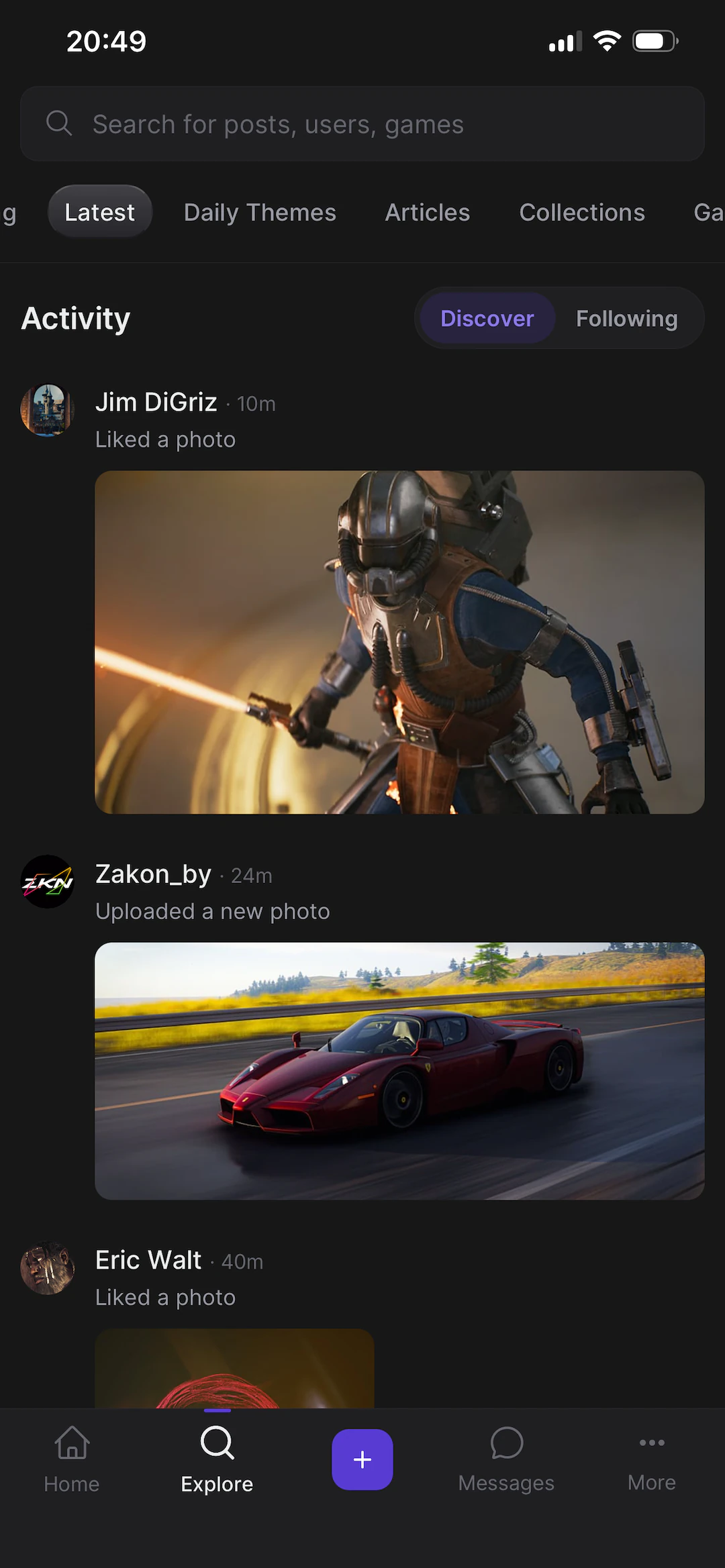
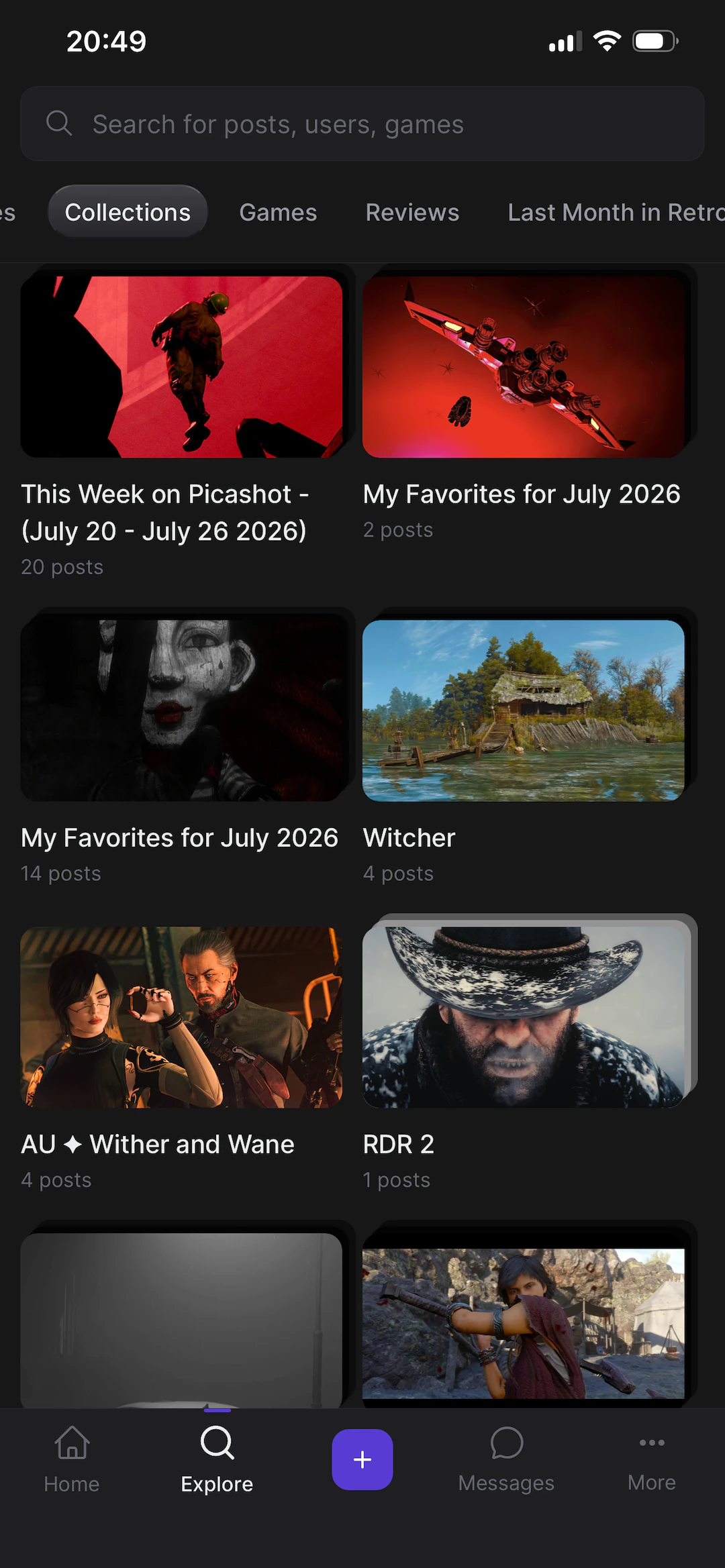
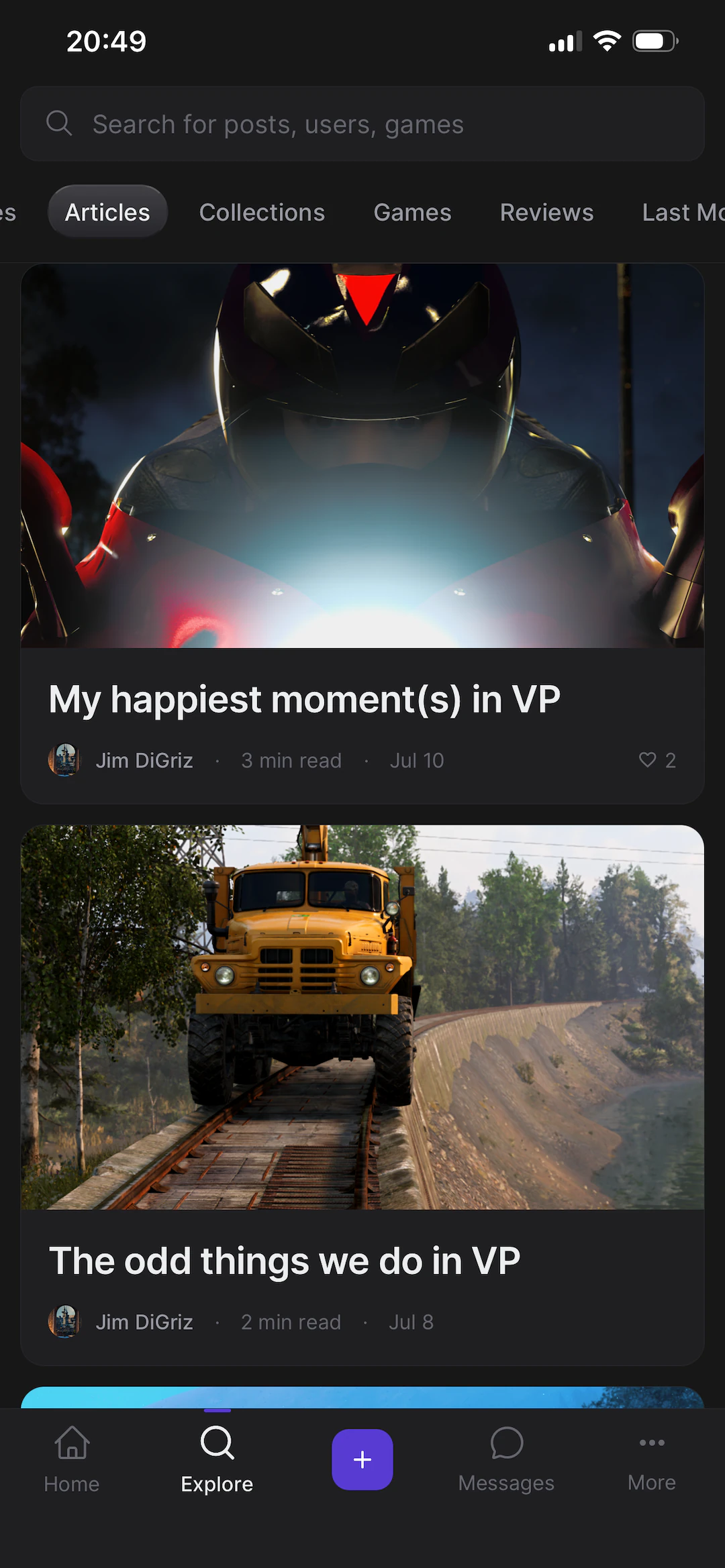
Daily themes · Collections · Articles · Top games · All themes
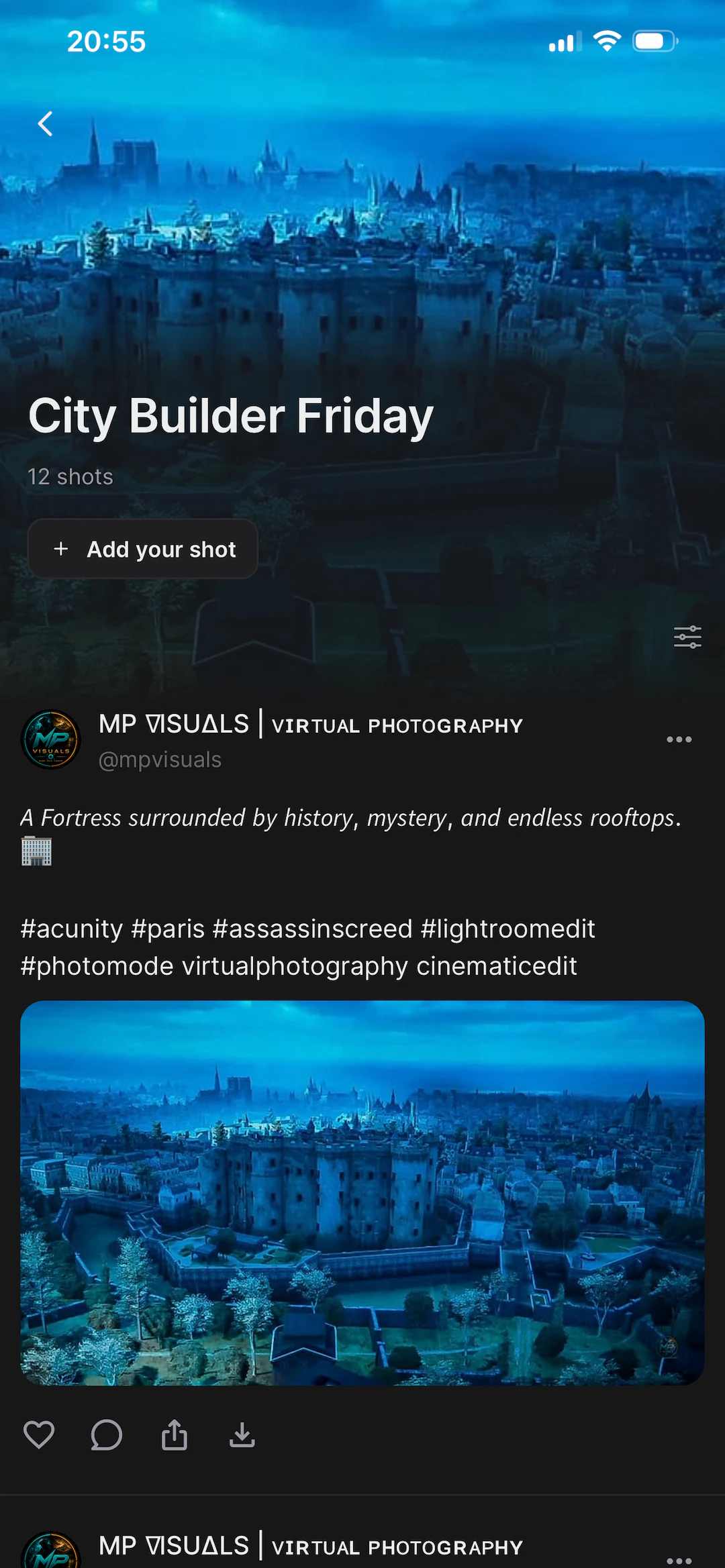
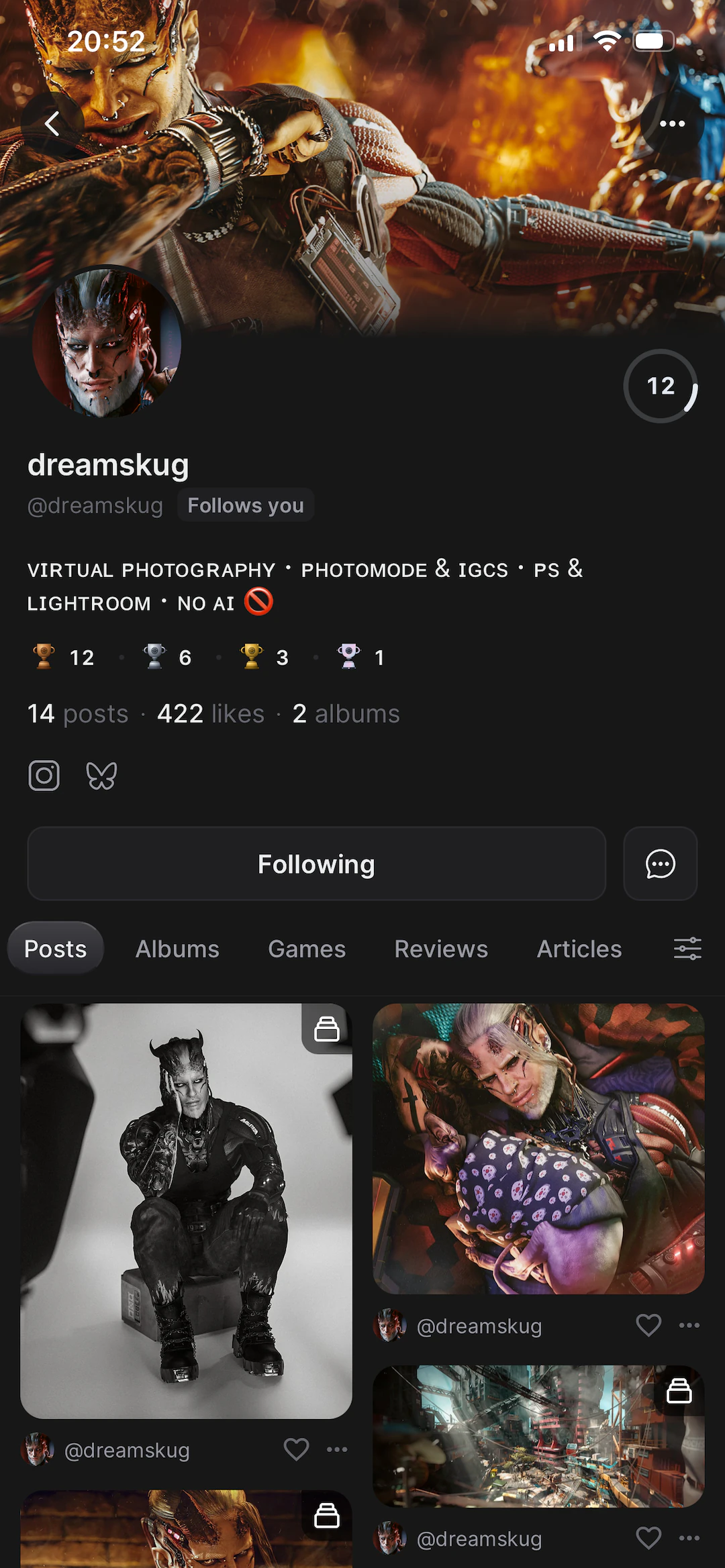
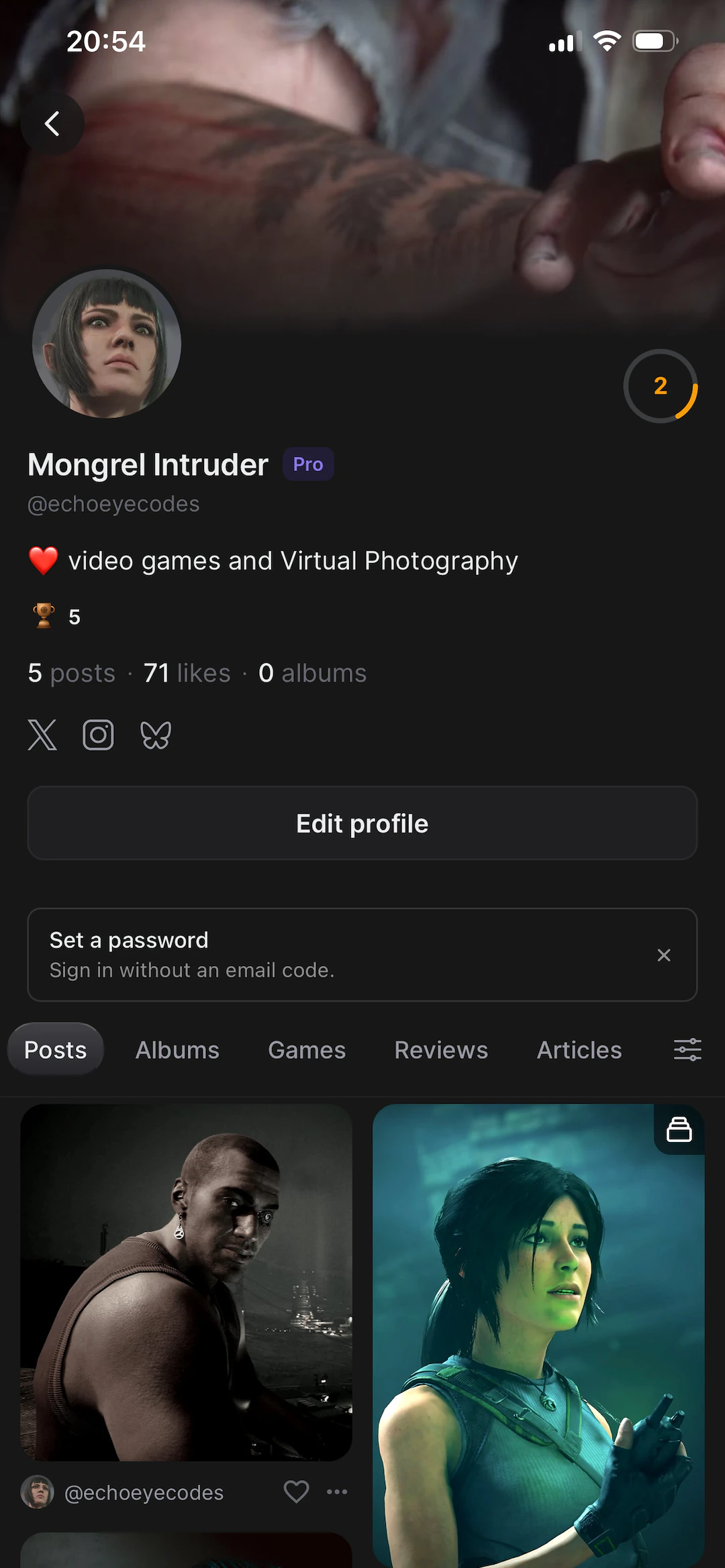
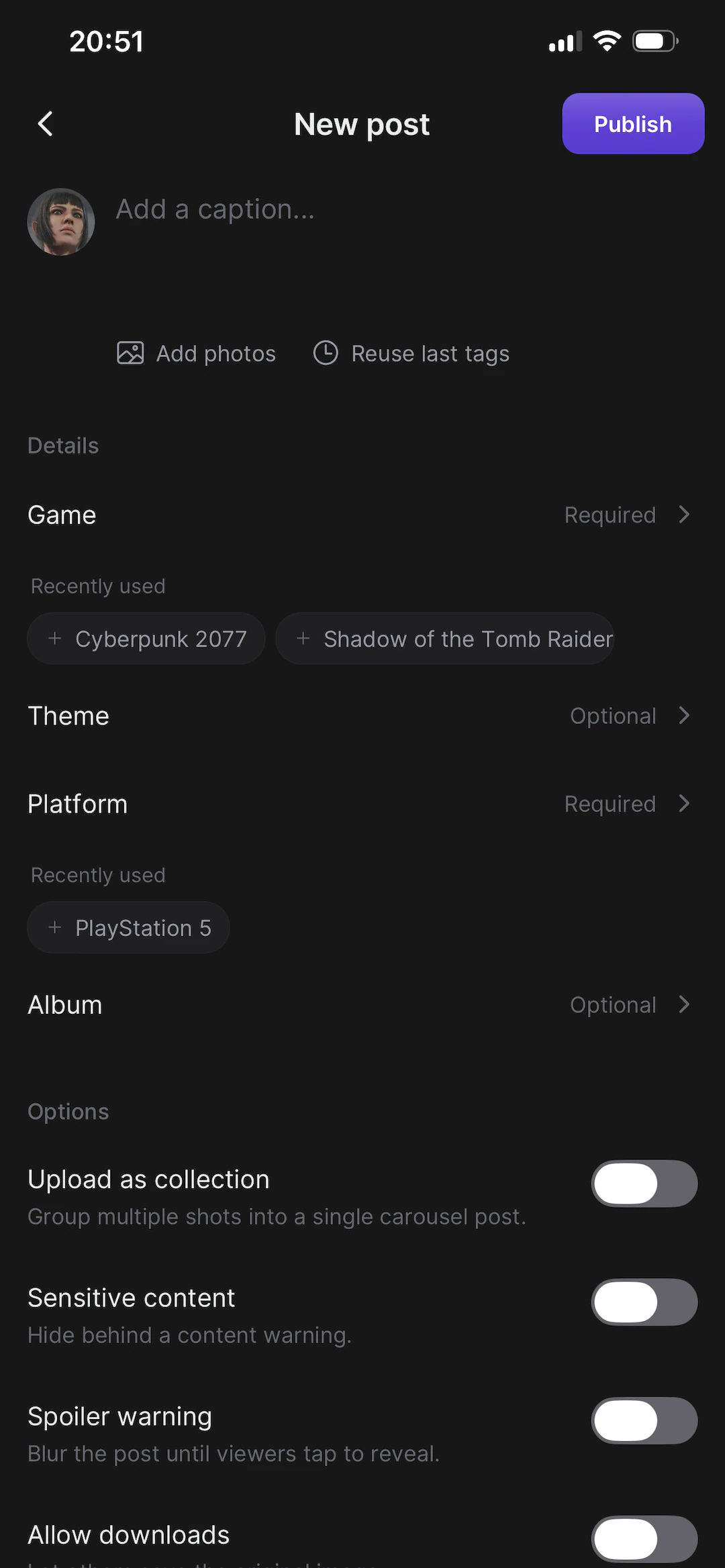
Inside a theme · A game page · A profile · Your profile · New post
Editor · Crossposting · Sharing a photo · Notifications · Account
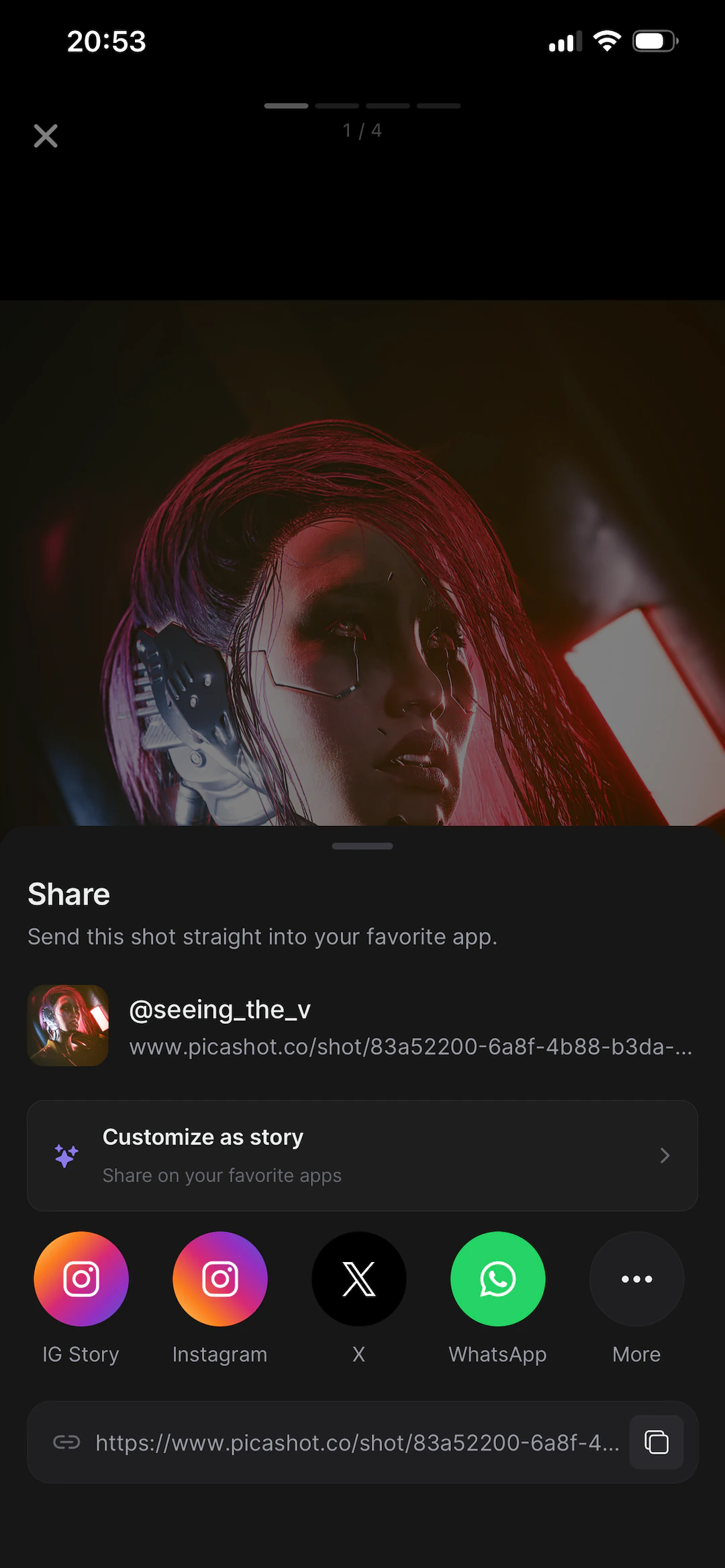
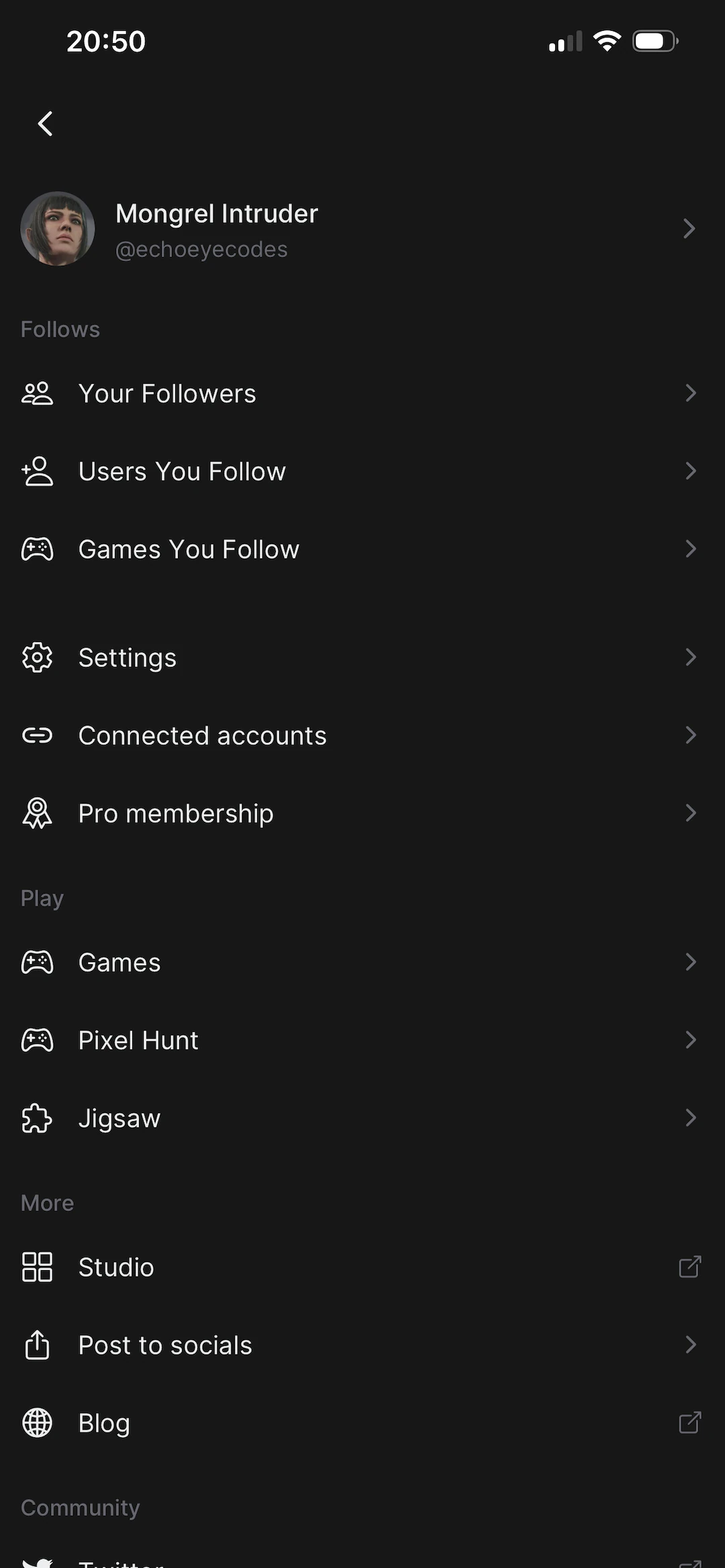
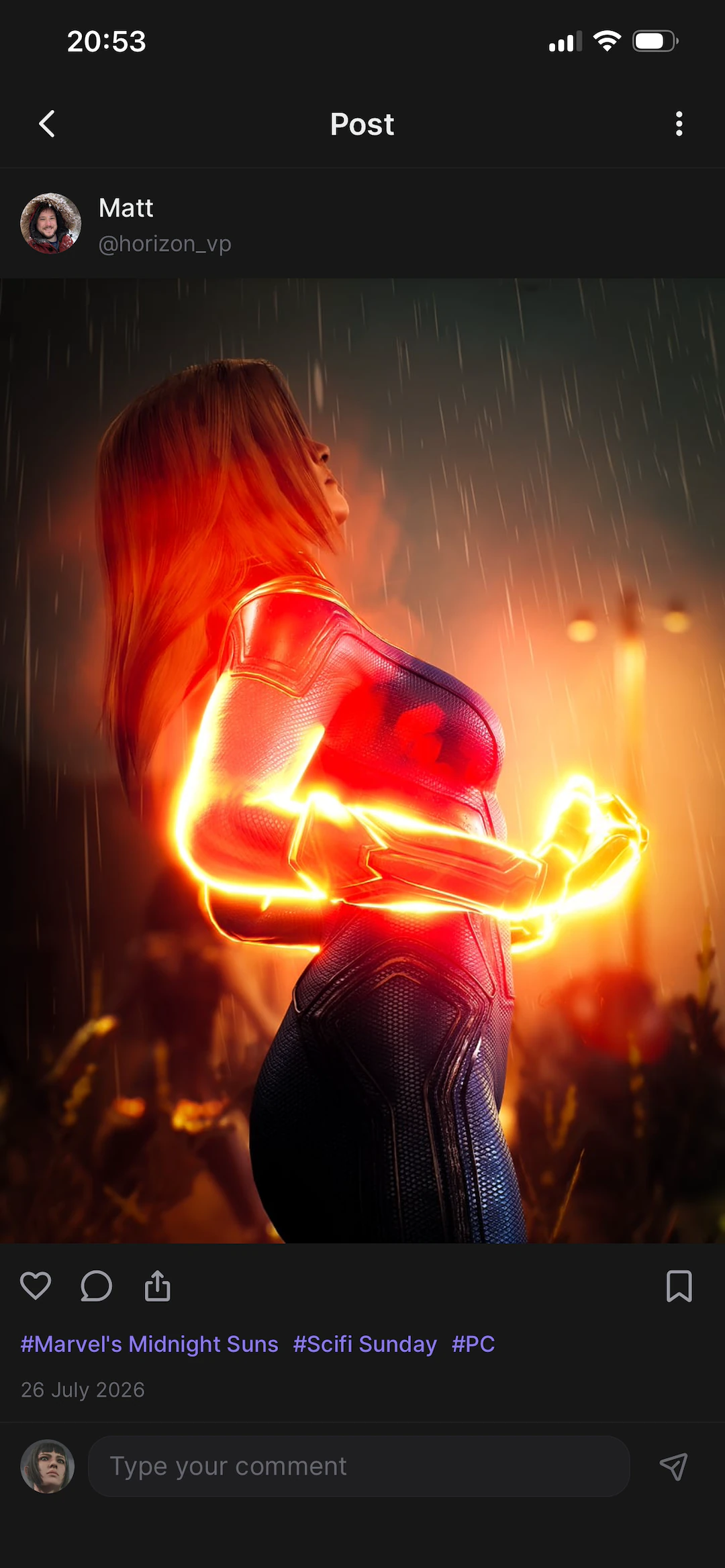
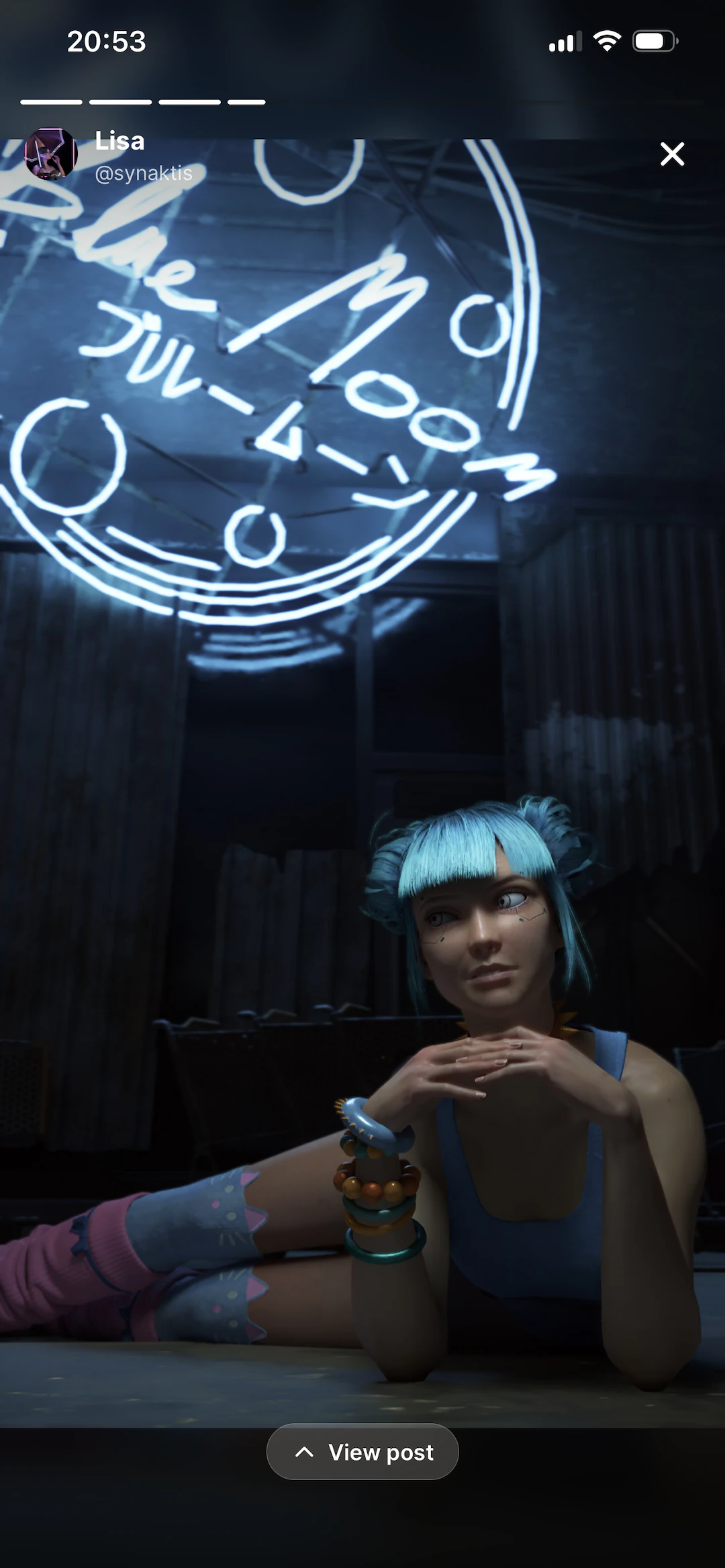
Comments · Story view · Pixel Hunt · Jigsaw · Sign in

Photos
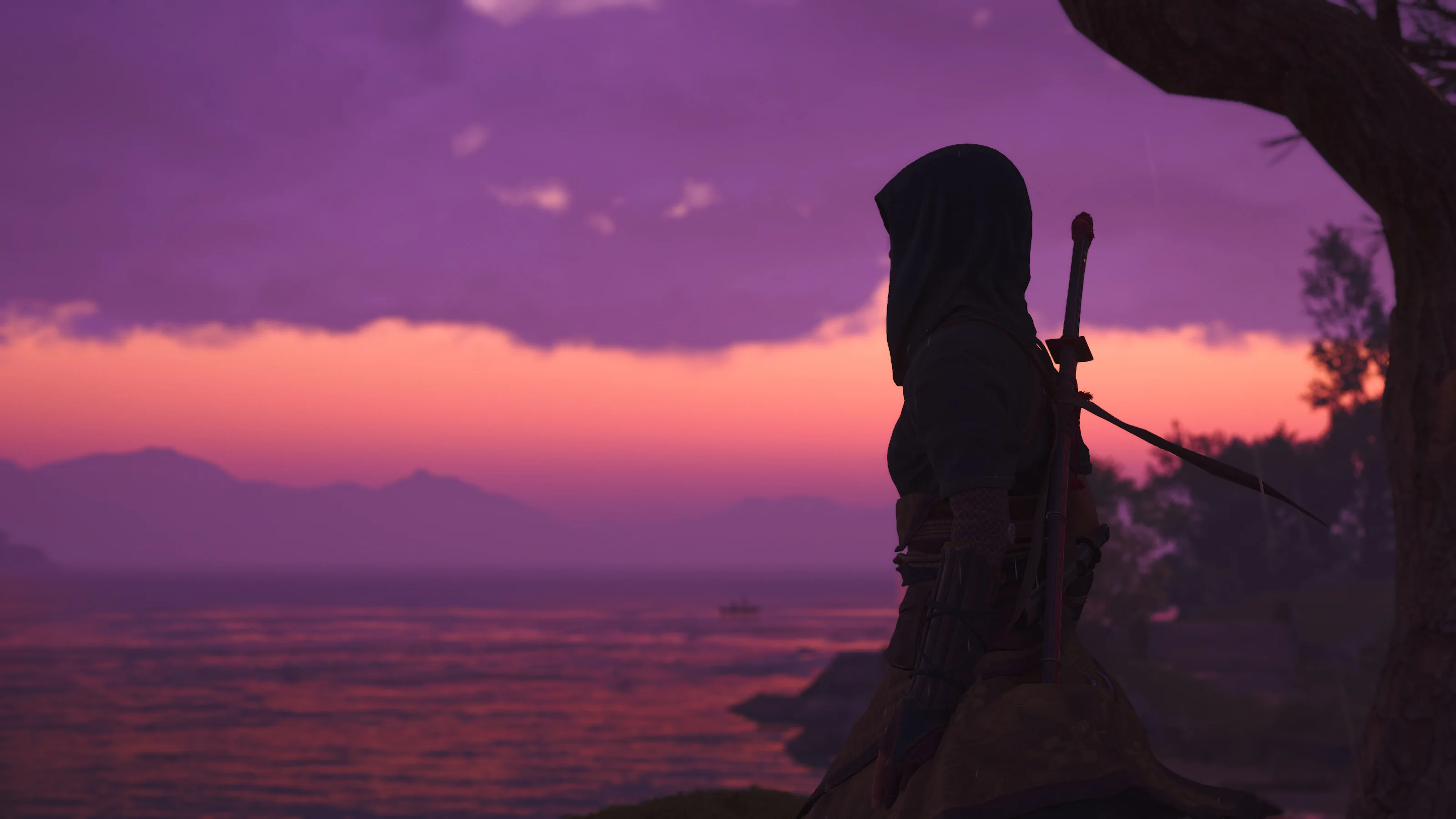
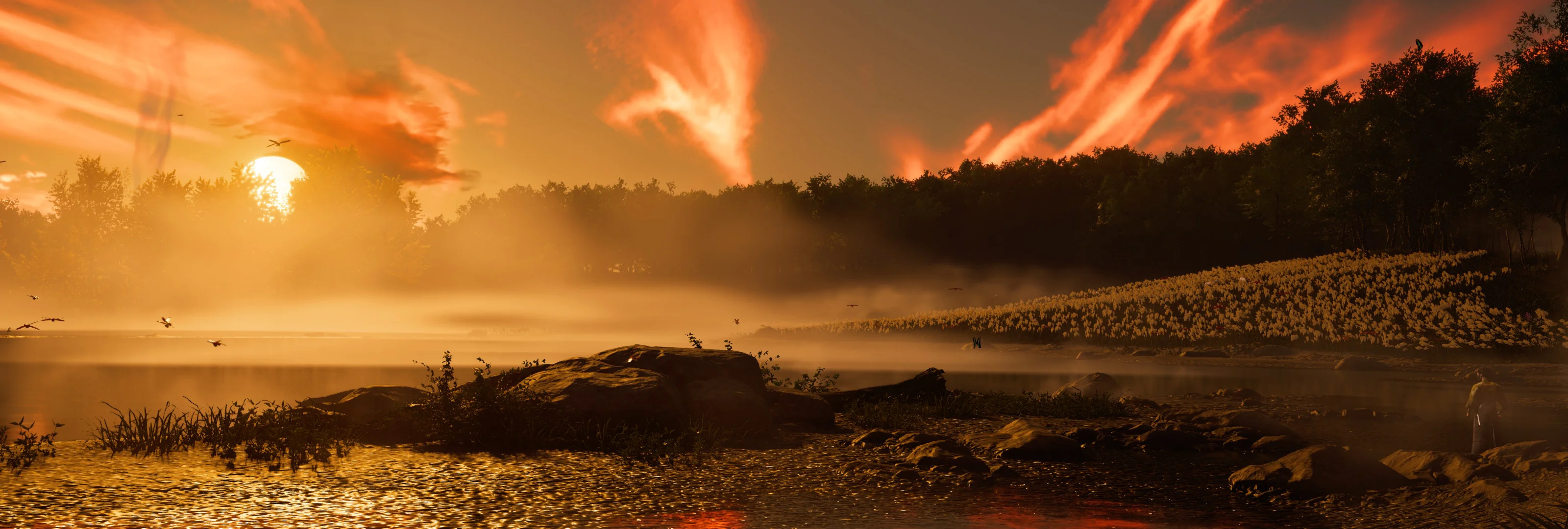
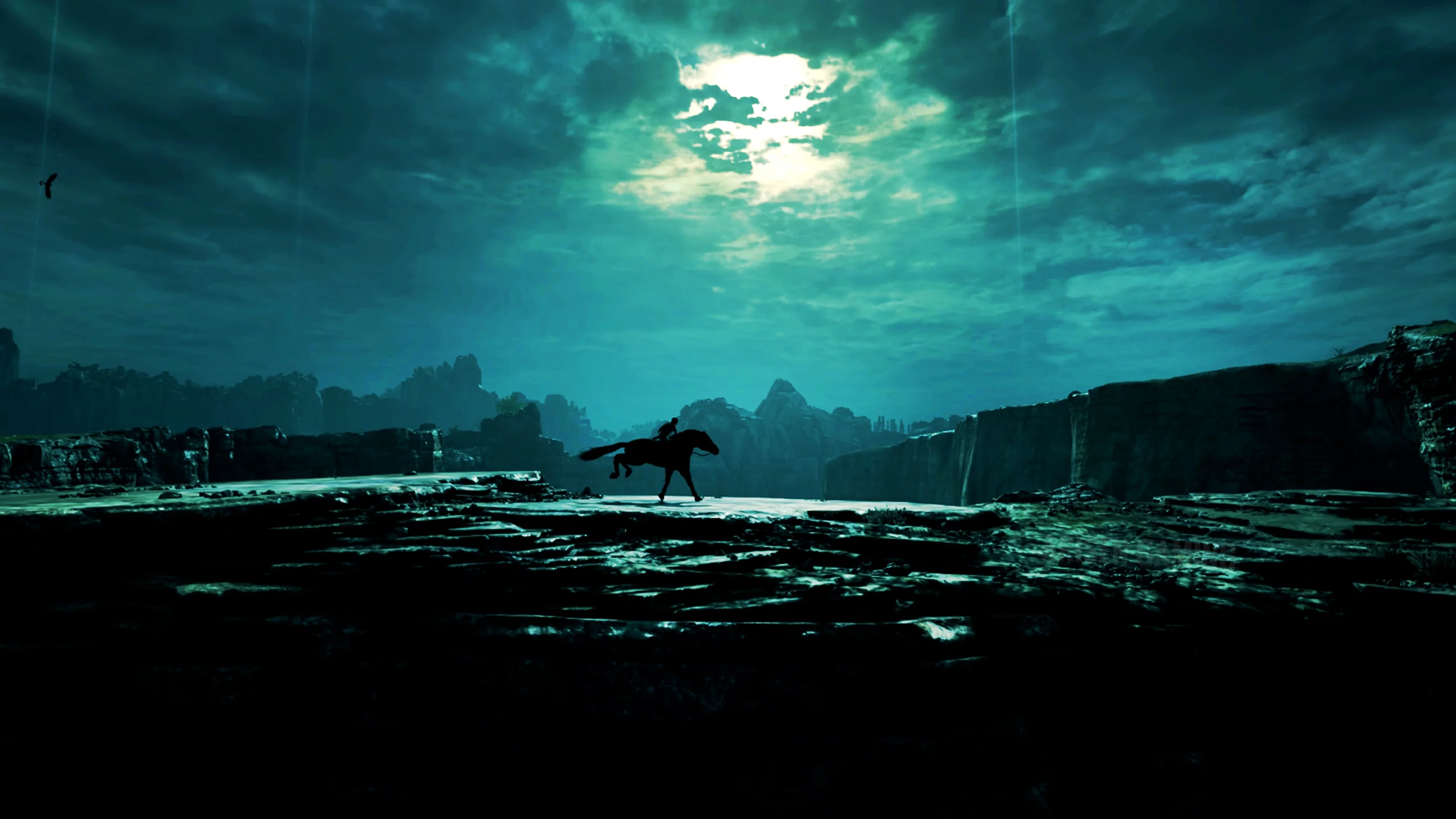
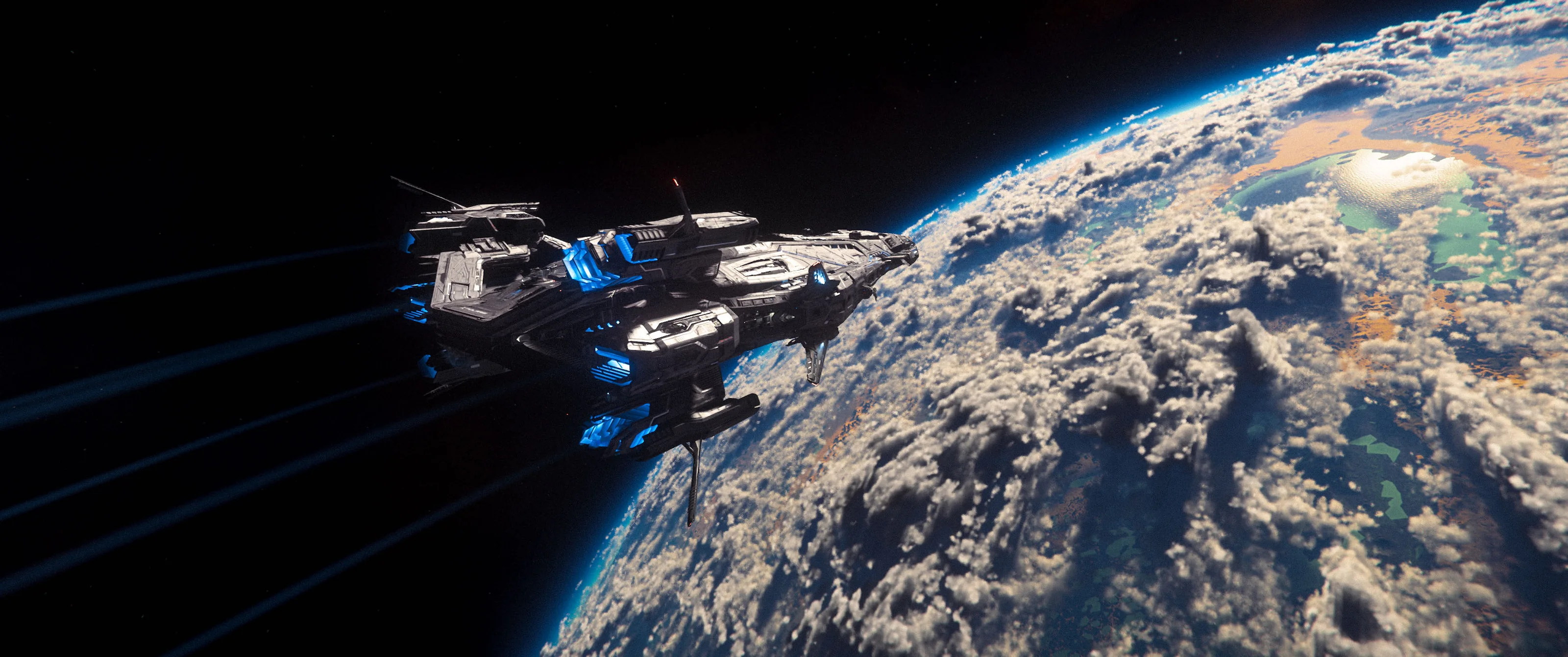
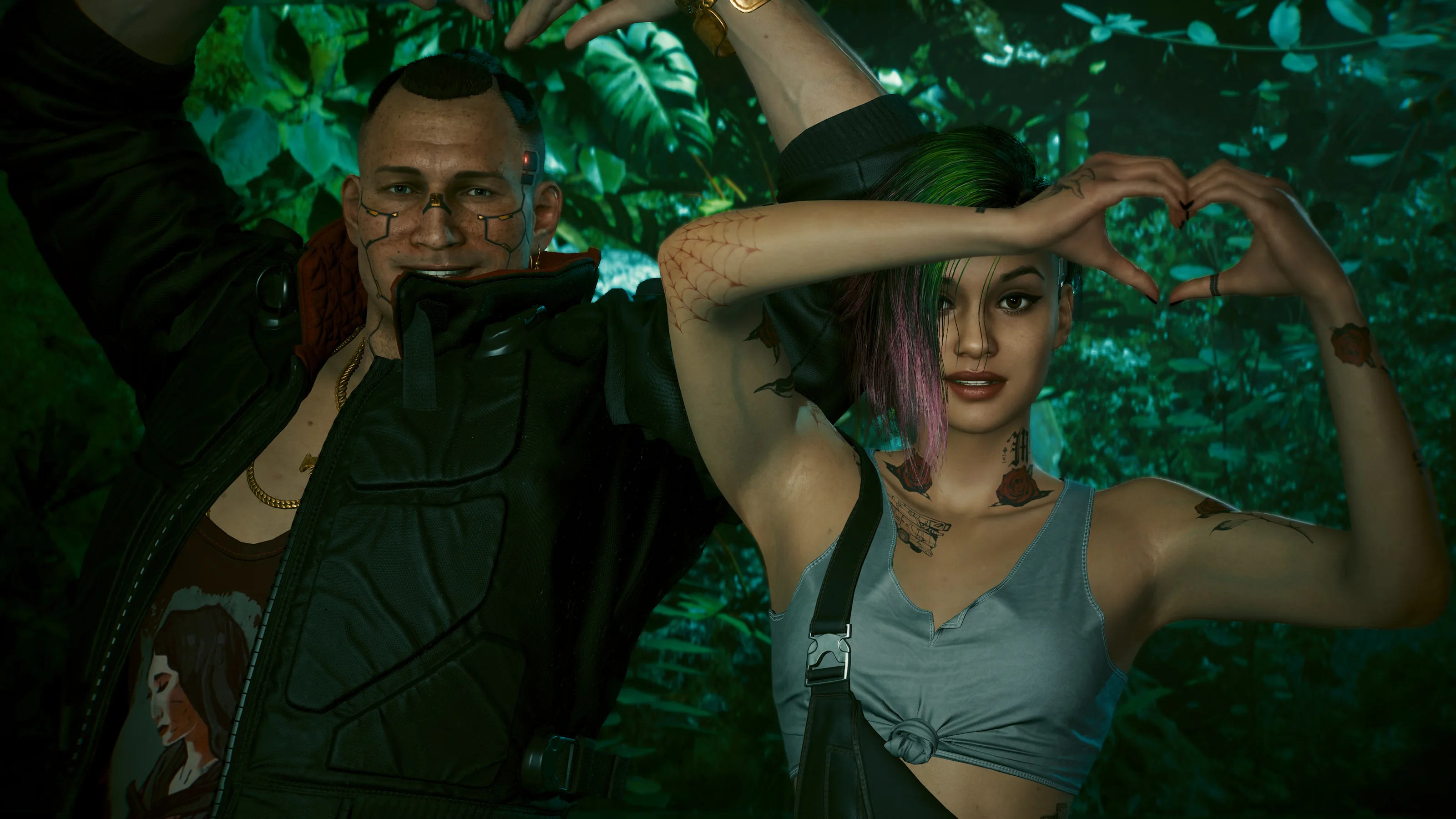
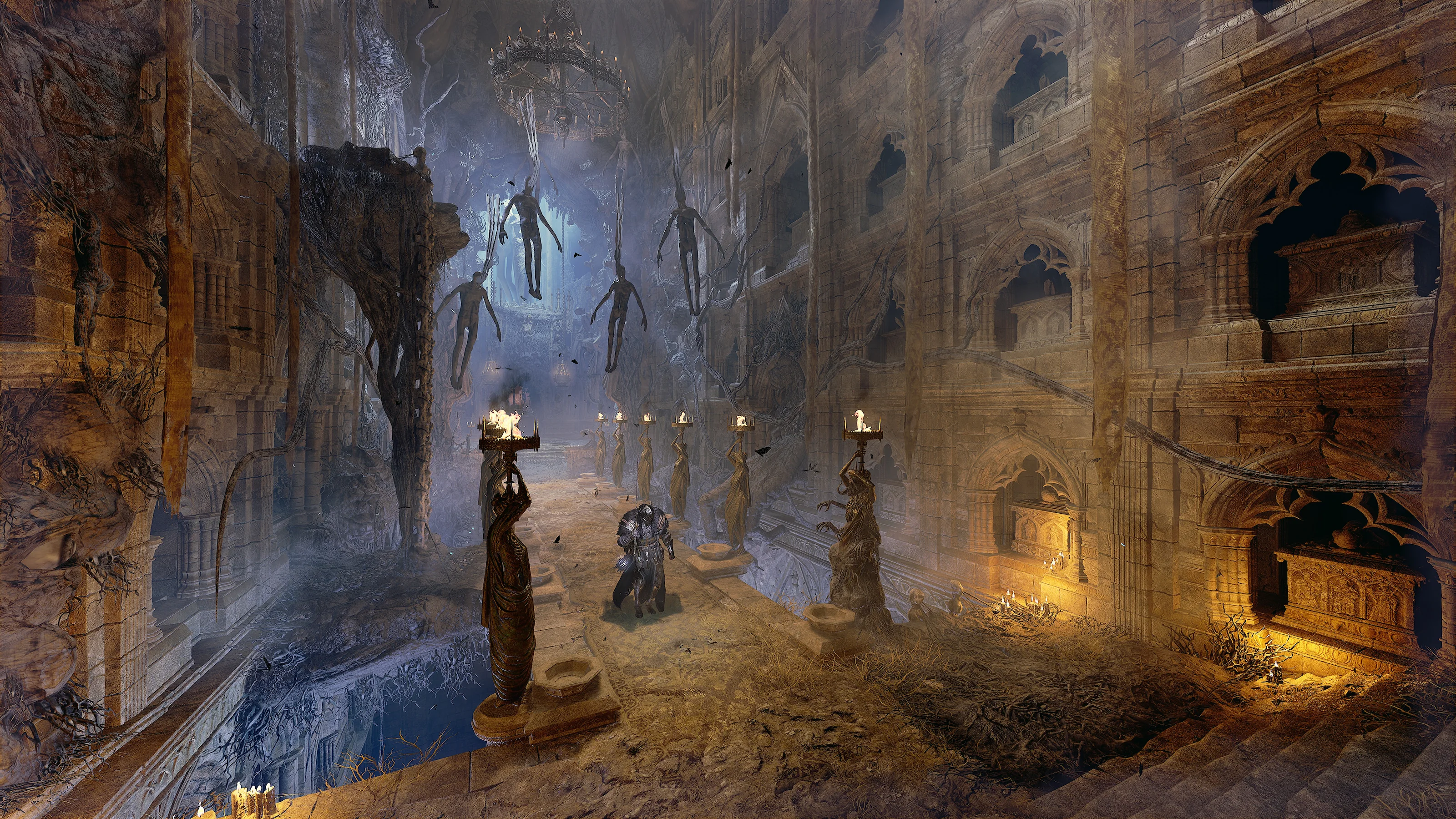
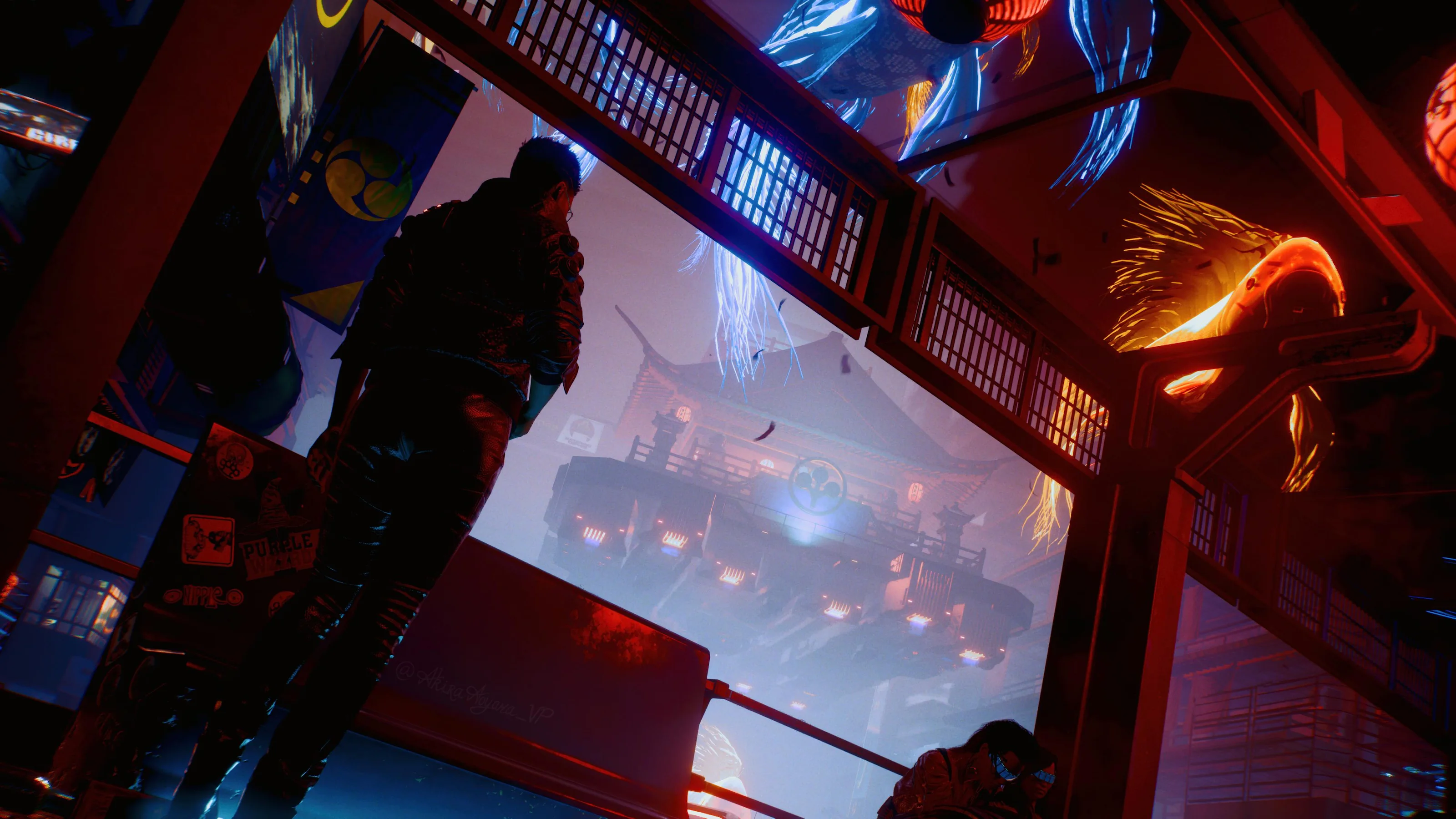
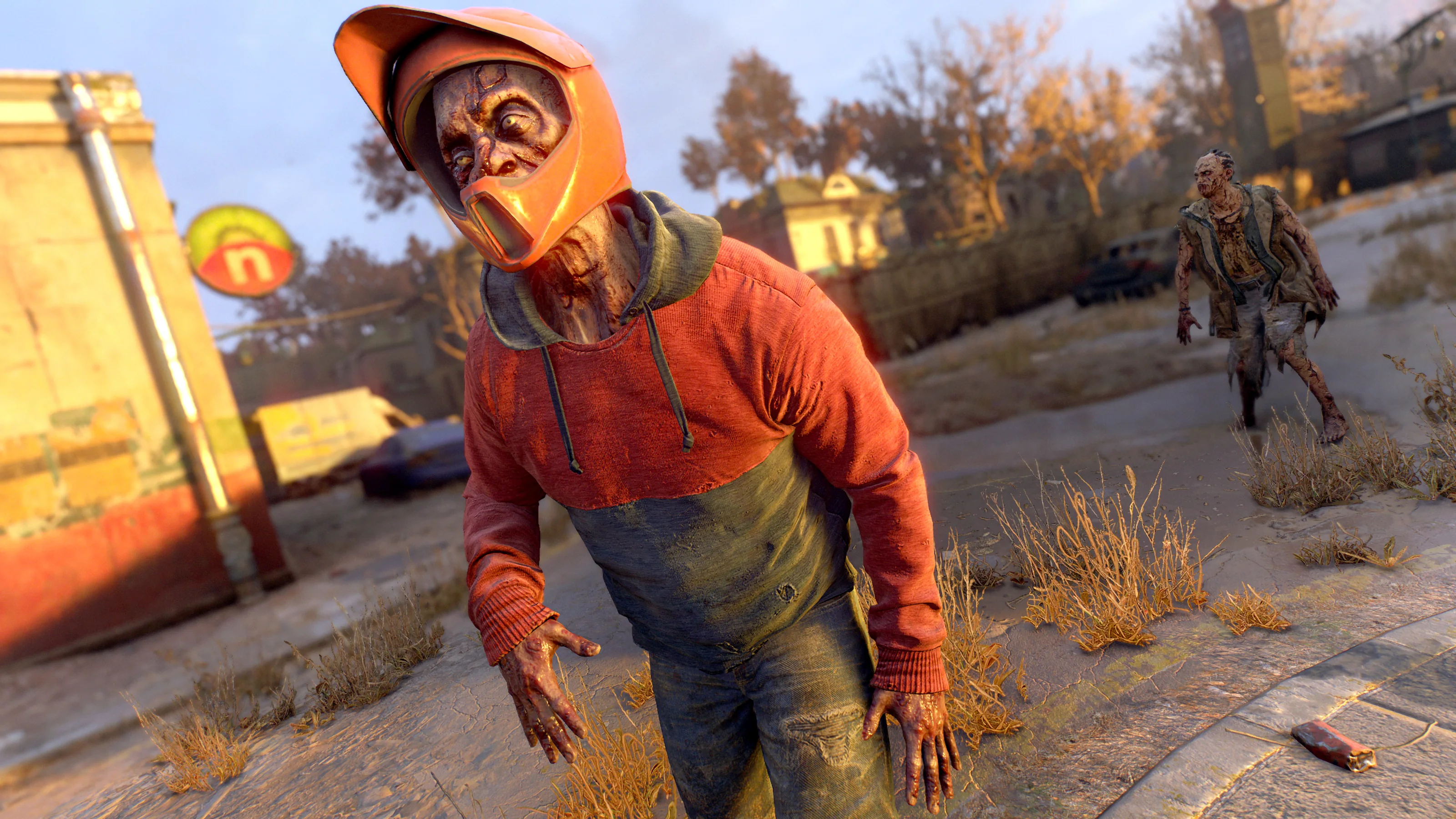
The photographs in this section were taken by Picashot users and belong to them. They're pulled from the public community feed and credited the way the platform credits them.
Assassin’s Creed Shadows · @unfazedvp
Ghost of Tsushima · @astrayn
Shadow of the Colossus · @Arisen_Gaming
Star Citizen · @cientonueve
Cyberpunk 2077 · @synaktis
Lords of the Fallen · @shinobi_space
Cyberpunk 2077 · @akiraaoyama_vp
Dying Light 2 · @dudeistpriestvp
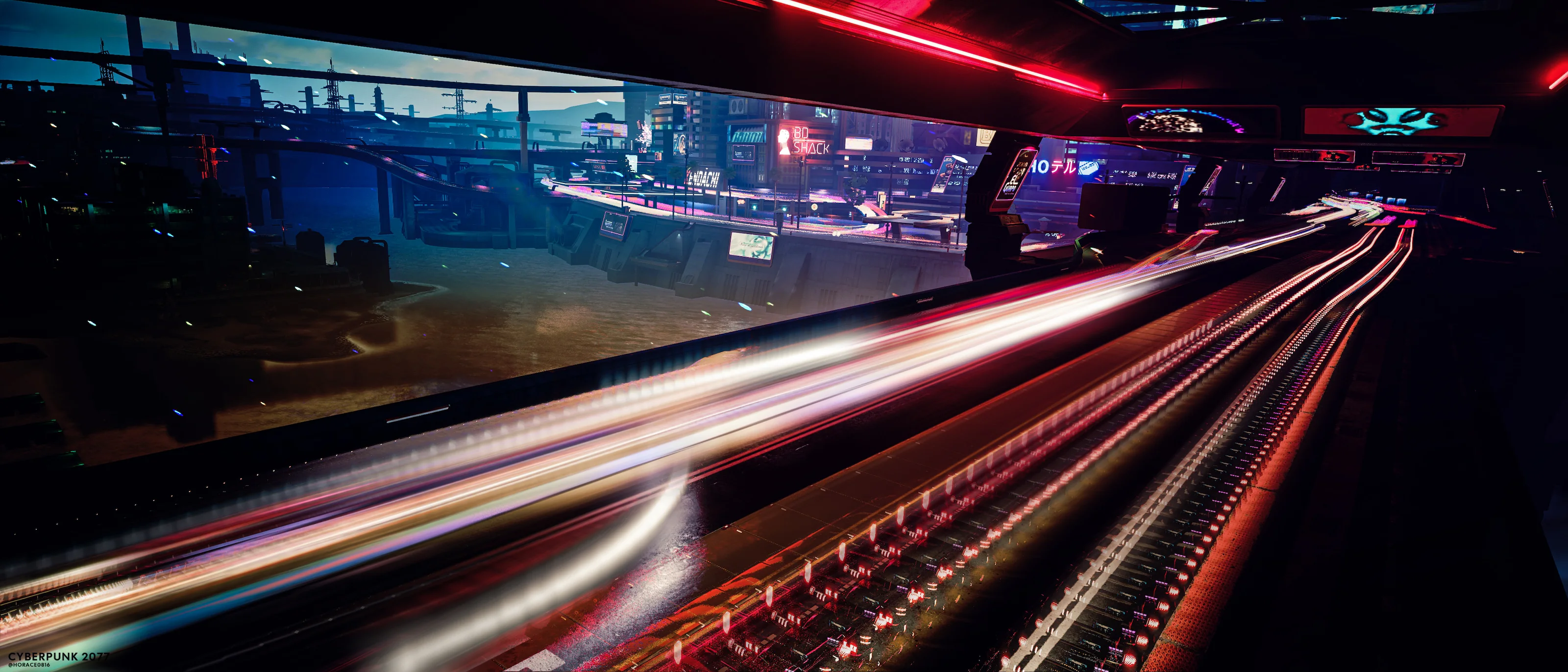
Cyberpunk 2077 · @horace0816
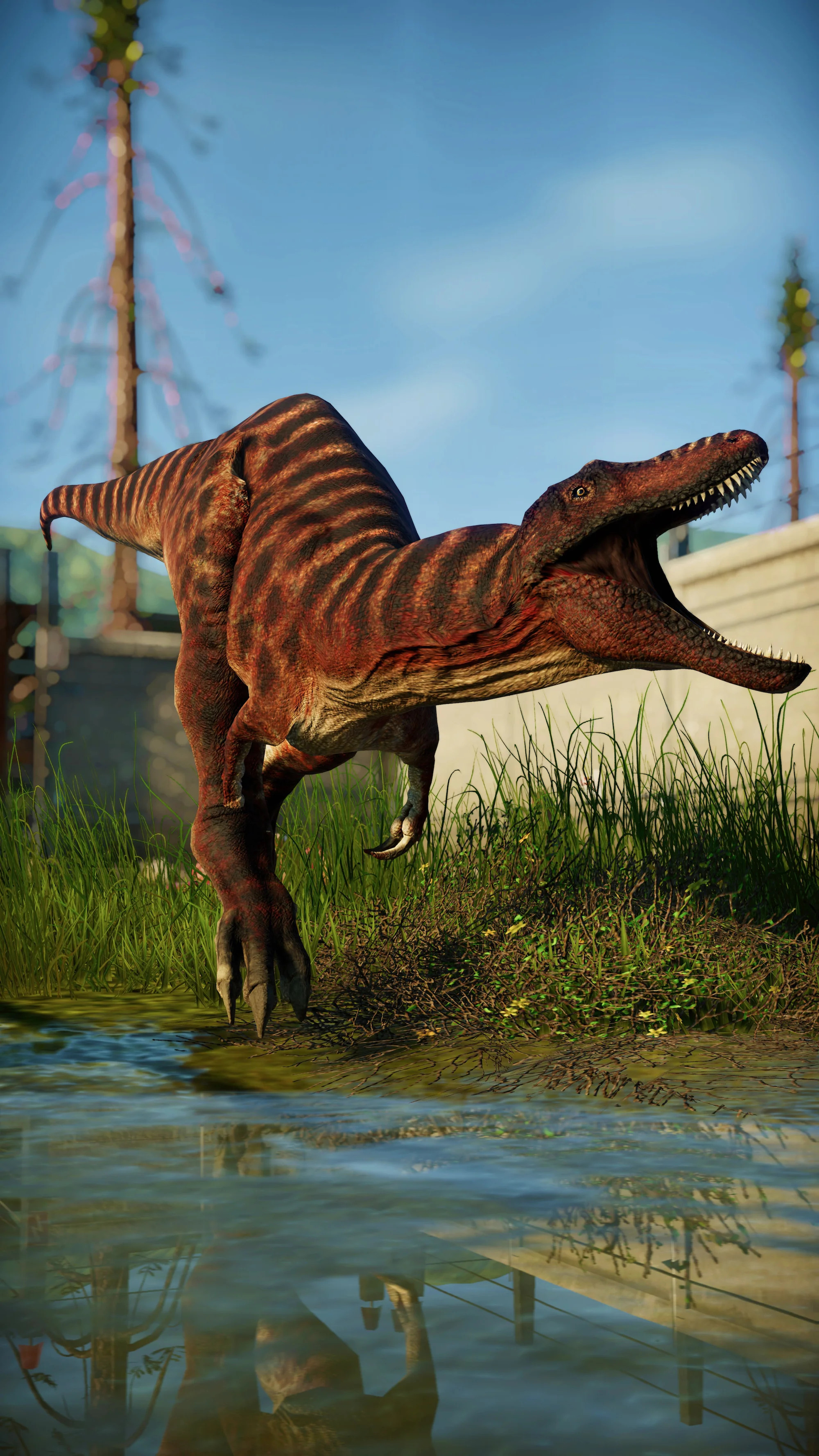
Jurassic World Evolution · @jwescreenshots